43
XAG AUSTRALIA
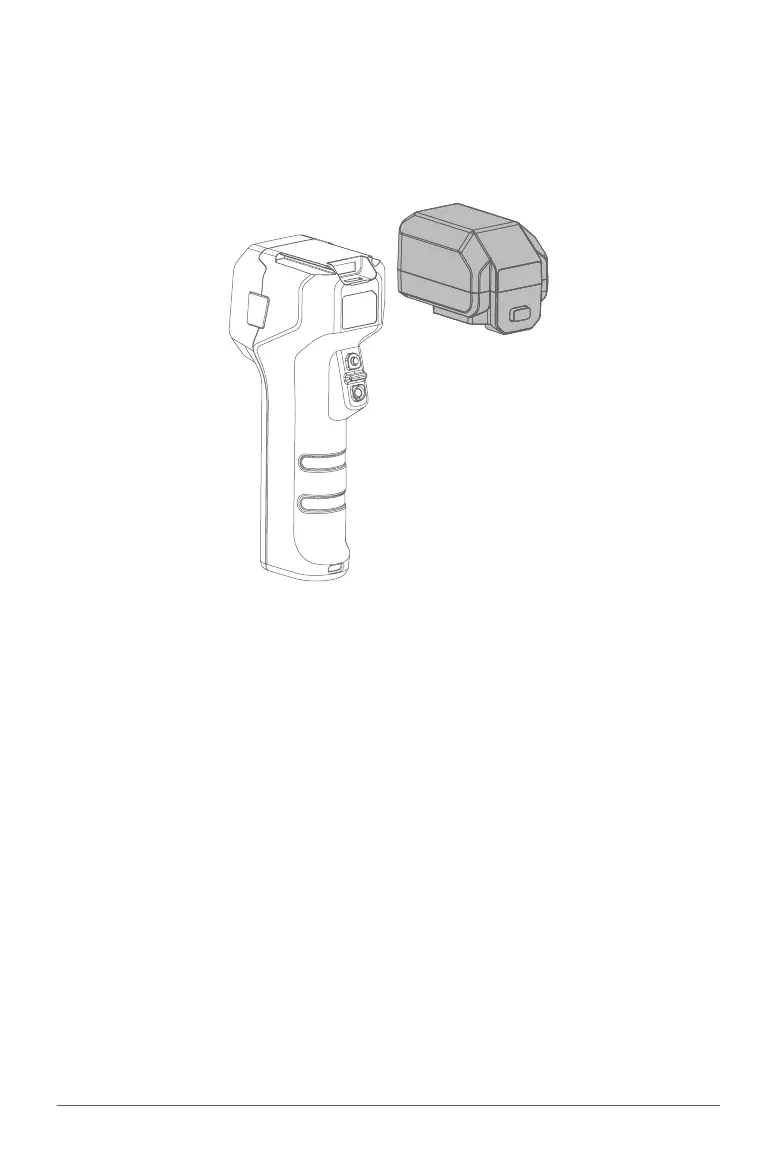
ACS2 RTK Module
When ACS2G Remote Controller is equipped with ACS2 RTK Module, the ACS2G Remote Controller can
be paired with GNSS RTK Mobile Station for Field Planning for XAG Agricultural Drone’s Operation Task.
Attaching:
Slide & insert the ACS2 RTK Module onto the top of the ACS2G Remote
Controller. When the ACS2G RTK Module is inserted, the ACS2G Remote
Controller will broadcast “Module Inserted”. ACS2G Remote Controller will
then broadcast “Positioning Module Connected” when it is ready for use.
Detaching:
Press and hold the button on the back of the ACS2 RTK Module, then Slide
out to detach the ACS2 RTK Module.



 To Next Page