XAG AUSTRALIA
01. Power ON GNSS RTK Mobile Station and ACS2G Remote Controller.
02. Tap on “My” to access Account Menu.
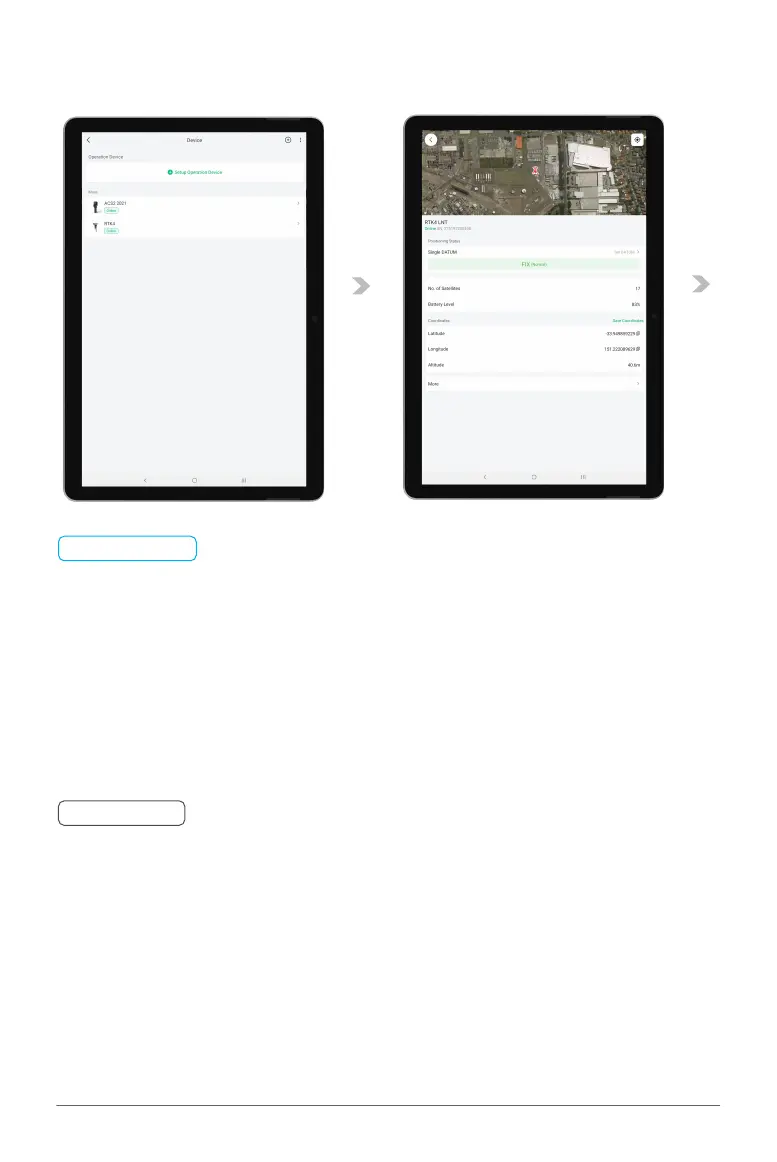
03. Tap on “Device” and wait for the Remote Controller & Mobile Station is Online.
LNT (Local Network Terminal) Wi-Fi Network had been setup & Connected
Device binding of XRTK4 Mobile Station had been setup
ACS2 RTK Module had been attached
📋
PREREQUISITE
🧷
IMPORTANT
Please be patient, the devices may take up to several minutes before coming ONLINE.
04. Tap on “Mobile Station” for Mobile Station Device Details and ensure the Positioning Status is
now displaying as FIX (Normal).
Preparing the ACS2G Remote Controller



 To Next Page