XAG AUSTRALIA
Planning via Rover Mode
LNT (Local Network Terminal) Wi-Fi Network had been setup & Connected
Device binding of XRTK4 Mobile Station had been setup
ACS2 RTK Module had been attached
📋
PREREQUISITE
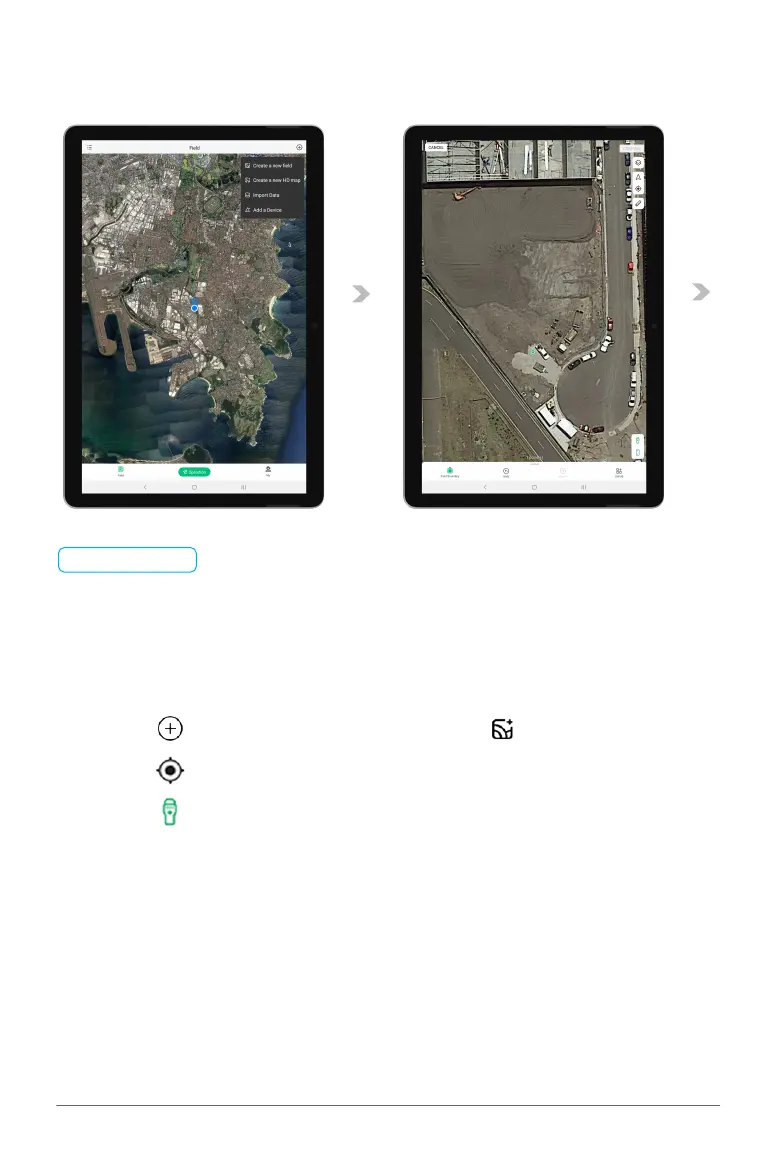
01. Tap on “ ” to expand the Options menu, then tap on “ ” Create a new field.
02. Tap on “ ” to position the map to your current location.
03. Tap on “ ” to select the Remote Controller for Manual Mapping.



 To Next Page