63
XAG AUSTRALIA
Device Binding / Add Device
Device & Network Setup – LNT
02. Select and Connect to the Local Network Terminal via Wi-Fi.
Default LNT Wi-Fi Network: XAG-XXXX
Default LNT Wi-Fi Password: 20070401
03. Open XAG One APP.
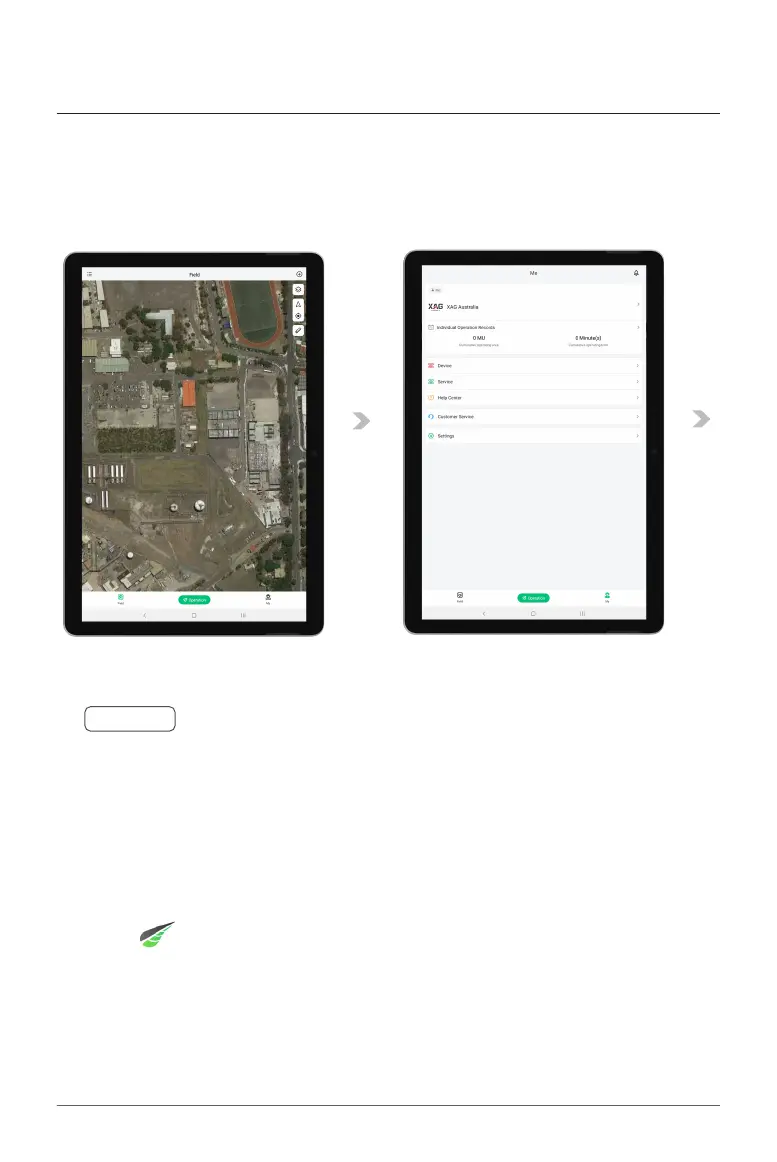
04. Tap on “My” to access Account Menu.
05. Tap on “Device”.
01. Power ON the Local Network Terminal (LNT).
Ⓝ
Notes
The device may take up to 10 minutes for the initialization, the initialization is completed
approximately 2 minutes after the System Indicator (4th indicator) stops flashing and is Solid
Green, indicating the LNT is ready to be used.



 To Next Page