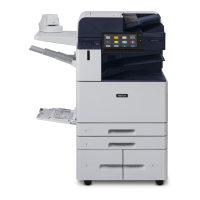
414 Xerox
®
AltaLink
®
C8130/C8135/C8145/C8155/C8170 Series Color Multifunction Printer User Guide
FFEEAATTUURREE DDEESSCCRRIIPPTTIIOONN CCOOPPYY EEMMAAIILL FFAAXX
SSEERRVVEERR
FFAAXX SSCCAANN TTOO
WWOORRKK--
FFLLOOWW
SSCCAANN--
NNIINNGG
IIDD CCAARRDD
CCOOPPYY
want the recipient to reply to
your email address, rather than
to the device.
Note: The system
administrator can preset
this option.
MMeessssaaggee Use the Message option to
enter information to accompany
the email.
•
QQuuaalliittyy//FFiillee
SSiizzee
The Quality/File Size option lets
you choose from three settings
that balance the quality of the
image and the size of the file.
Higher-quality images result in
larger file sizes, which are not
ideal for sharing and
transmitting over the network.
• • •
FFiillee FFoorrmmaatt Use the File Format option to
specify the format of the saved
image or to define a searchable
image. You can add a password
to protect the image or choose
• • •
Apps Features


 To Next Page
 Loading...