Paper and Media
42 Phaser 6700 Color Printer
User Guide
Loading Envelopes in Tray 1
Note: Do not load more than five envelopes in Tray 1. Overfilling the tray can cause the printer
to jam.
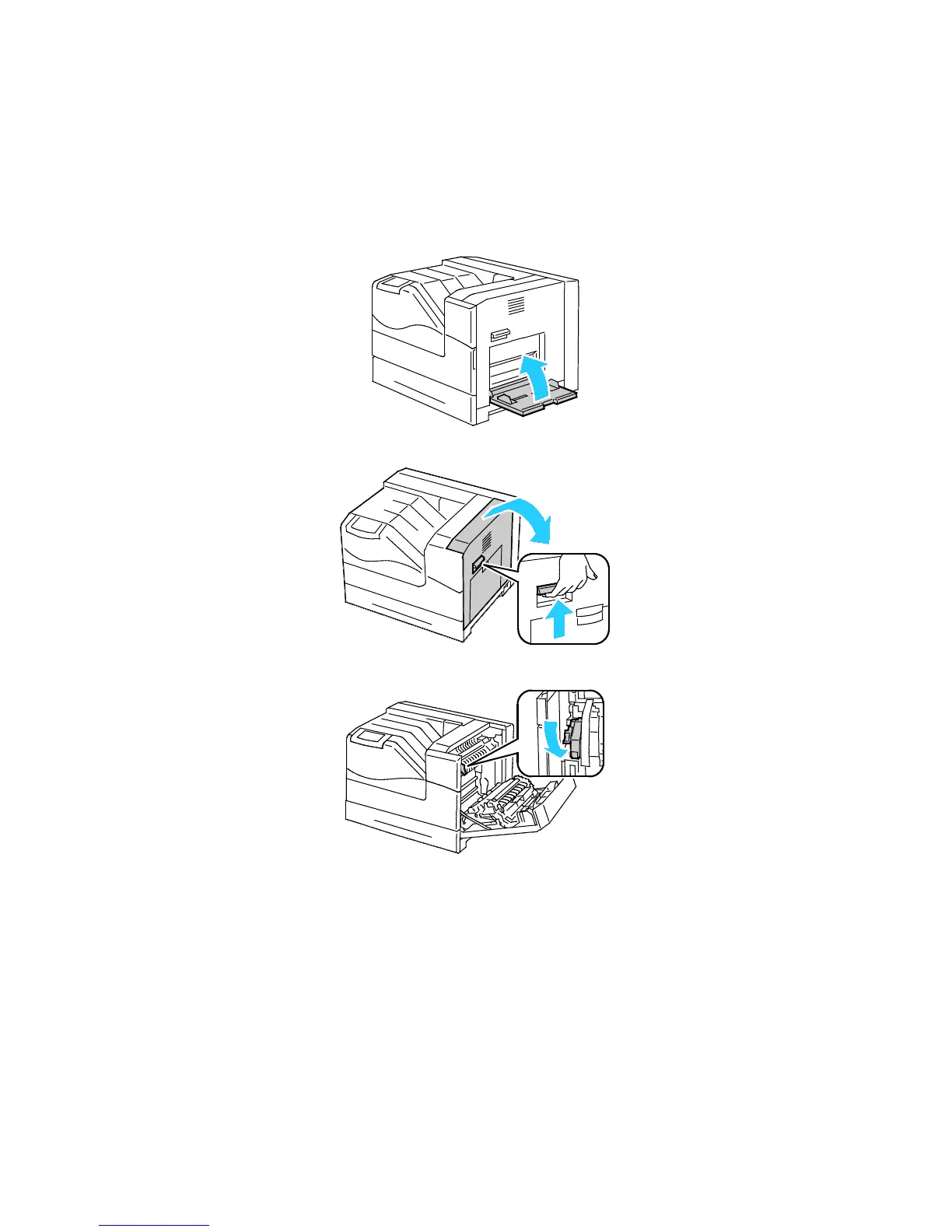
1. Remove any paper from Tray 1 and close the tray.
2. Lift the right side door latch and open the door.
3. To put the fuser in envelope mode, lower the fuser envelope lever in the upper left corner.



 To Next Page
 Loading...










