Paper and Media
Phaser 6700 Color Printer 43
User Guide
Note: When printing paper other than envelopes, raise the fuser envelope lever.
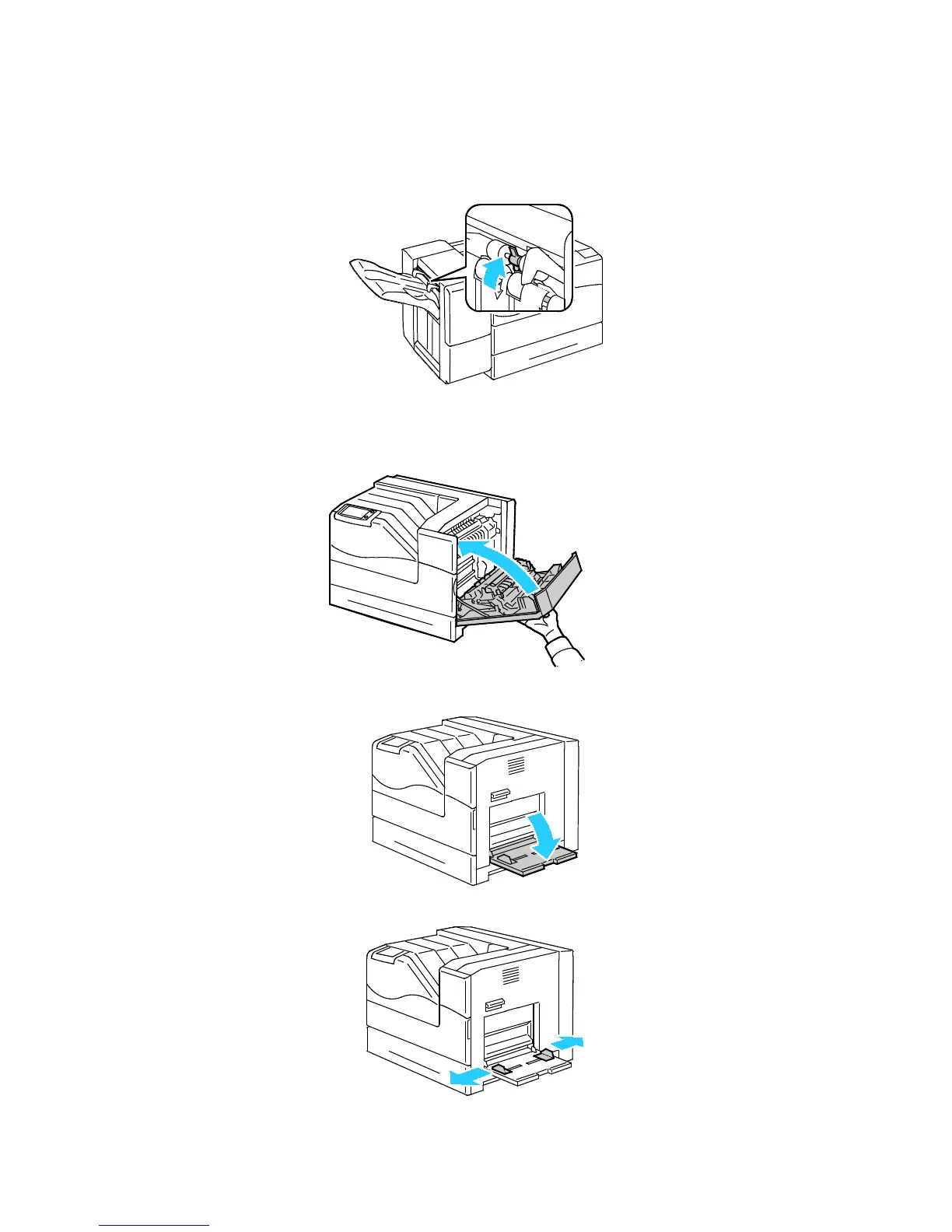
4. If you are using the optional Finisher, raise the finisher lever at the paper exit.
Note: When printing paper other than envelopes, push down the finisher lever.
5. Close the right side door.
6. Open Tray 1.
7. Move the width guides to the edges of the tray.



 To Next Page
 Loading...










