Paper and Media
46 Phaser 6700 Color Printer
User Guide
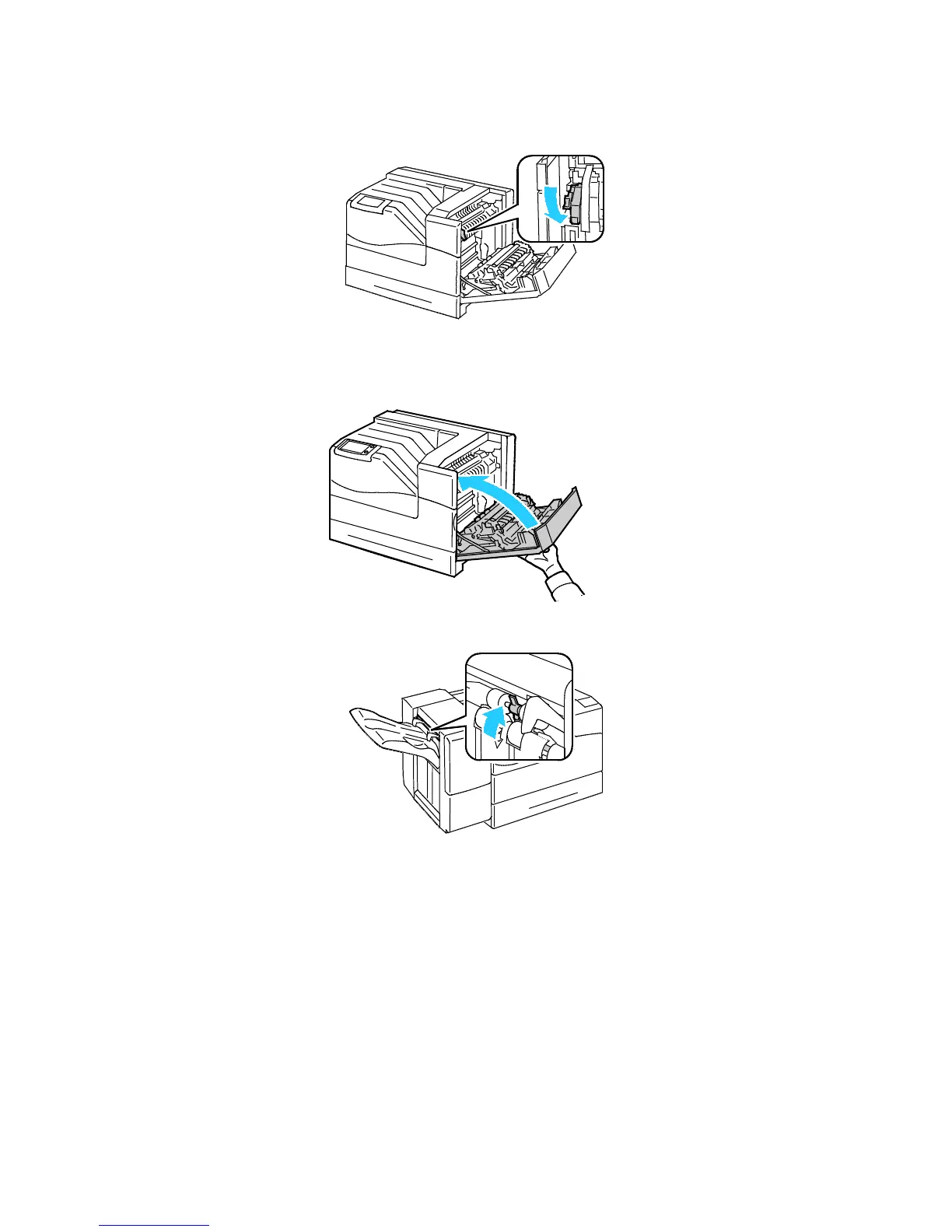
2. To put the fuser in envelope mode, lower the fuser envelope lever in the upper left corner.
Note: When printing paper other than envelopes, raise the fuser envelope lever.
3. Close the right side door.
4. If you are using the optional Finisher, raise the finisher lever at the paper exit.















 To Next Page