Maintenance
Phaser 6700 Color Printer 73
User Guide
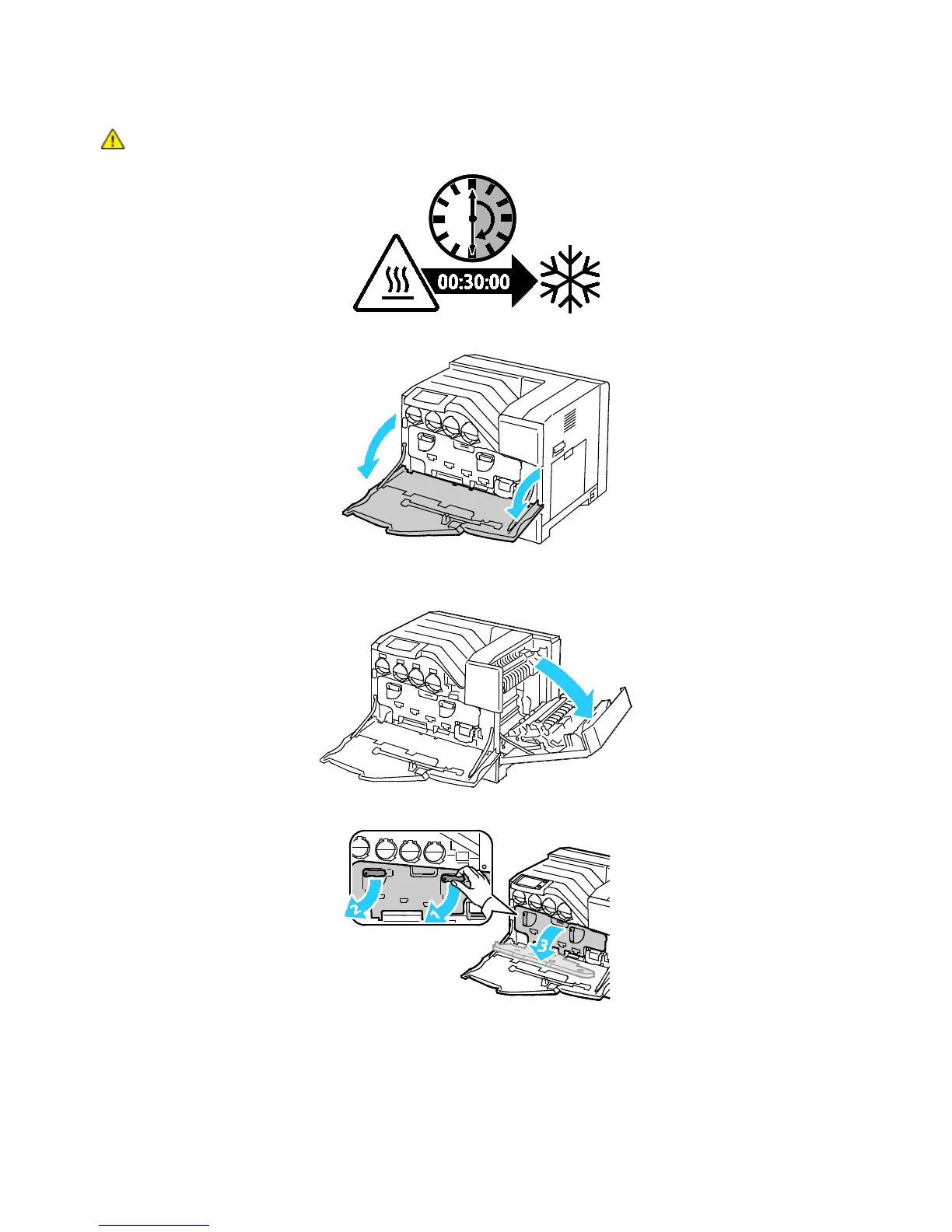
WARNING: Some parts can be hot. Allow 30 minutes for the printer to cool before proceeding.
2. Open the front door.
3. Remove any paper from Tray 1 and close the tray.
4. Lift the right side door latch and open the door.
5. Rotate the two lock levers to release the imaging unit door, then pull it open.















 To Next Page