Maintenance
78 Phaser 6700 Color Printer
User Guide
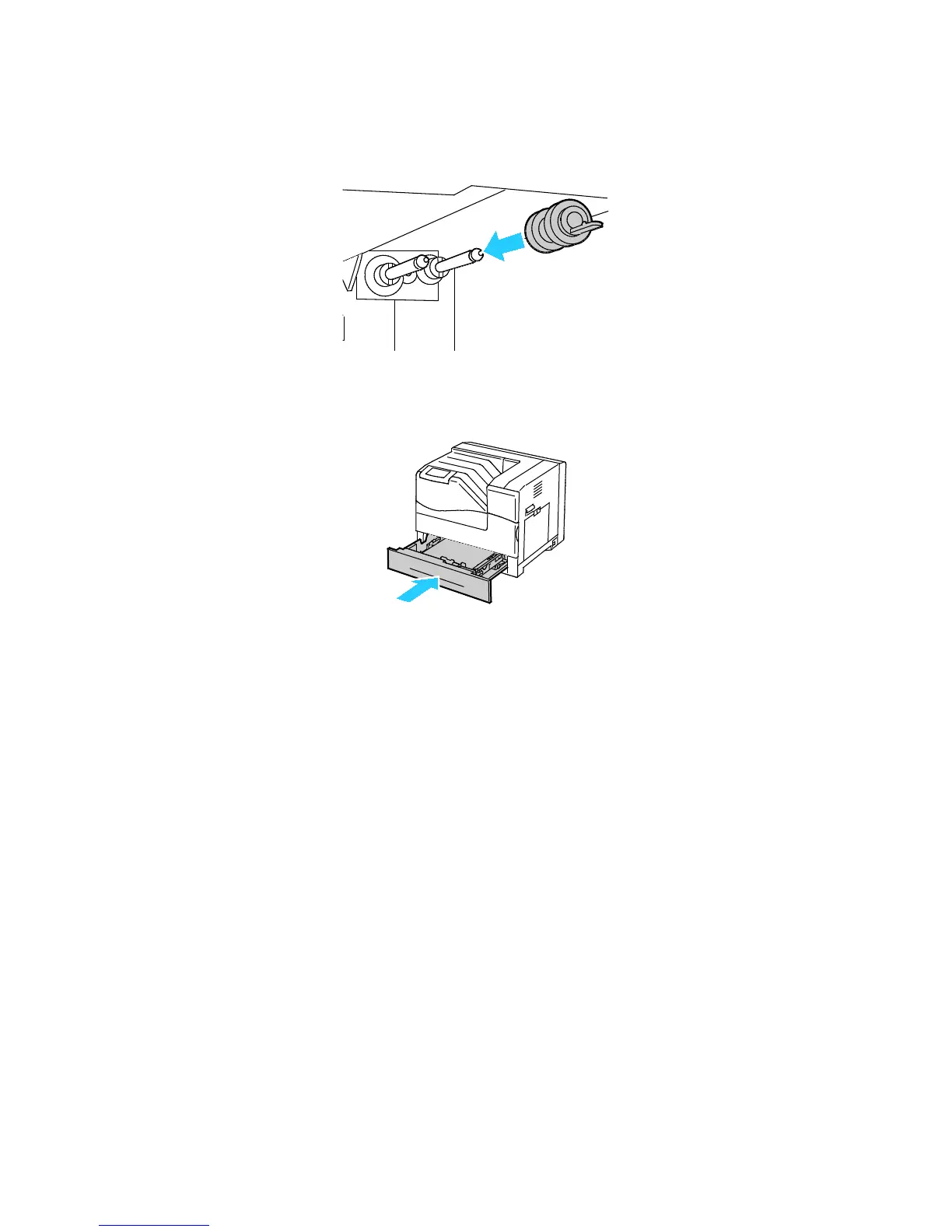
7. Slide the feed roller along the axle until the protrusions fit completely into the slots, and the roller
hook reseats into the groove.
8. Install the second feed roller using a similar method.
9. To clean the feed roller in the tray, turn the roller with one hand while wiping it with the cloth.
10. Reinsert the tray into the printer.


 To Next Page
 Loading...










