Appendix F. Configuring Dual Mode Tablet Digitizer Input Methods
Using the BIOS Setup Utility to set input method defaults
116 iX104C
4
User’s Handbook
Using the BIOS Setup Utility to set input method defaults
Starting the BIOS Setup Utility
If your computer is running Windows XP:
When the computer is starting up, press the P2 key.
If your computer is running Windows Vista:
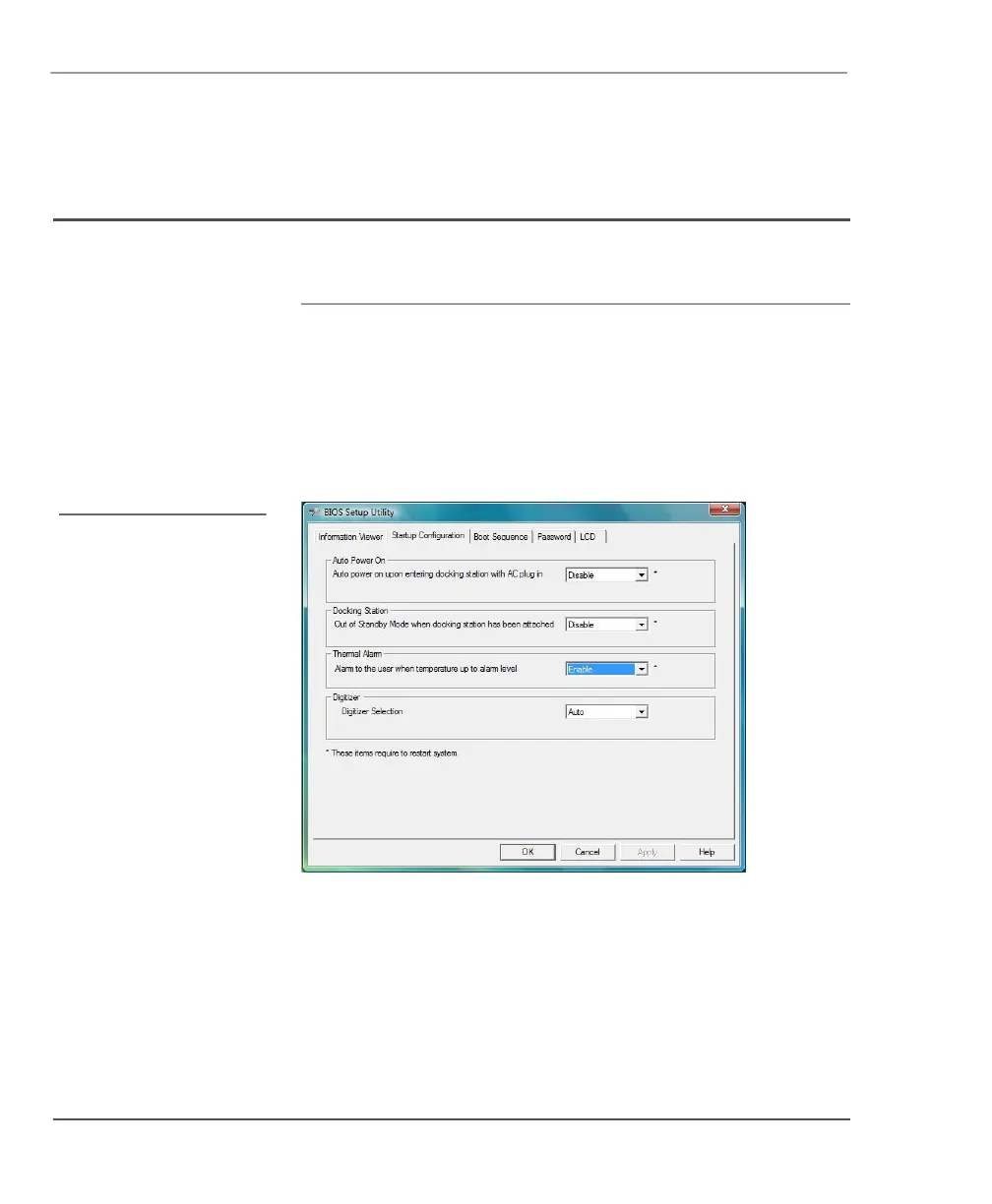
From the Start menu, select BIOS Setup Utility.
The BIOS Setup Utility window opens.
In this appendix, Windows
VIsta screens are shown. If
your computer is running
Windows XP, your screens
look a little different.



 To Next Page