Chapter 2. Using the Tablet
Adjusting the screen brightness
46 iX104C
4
User’s Handbook
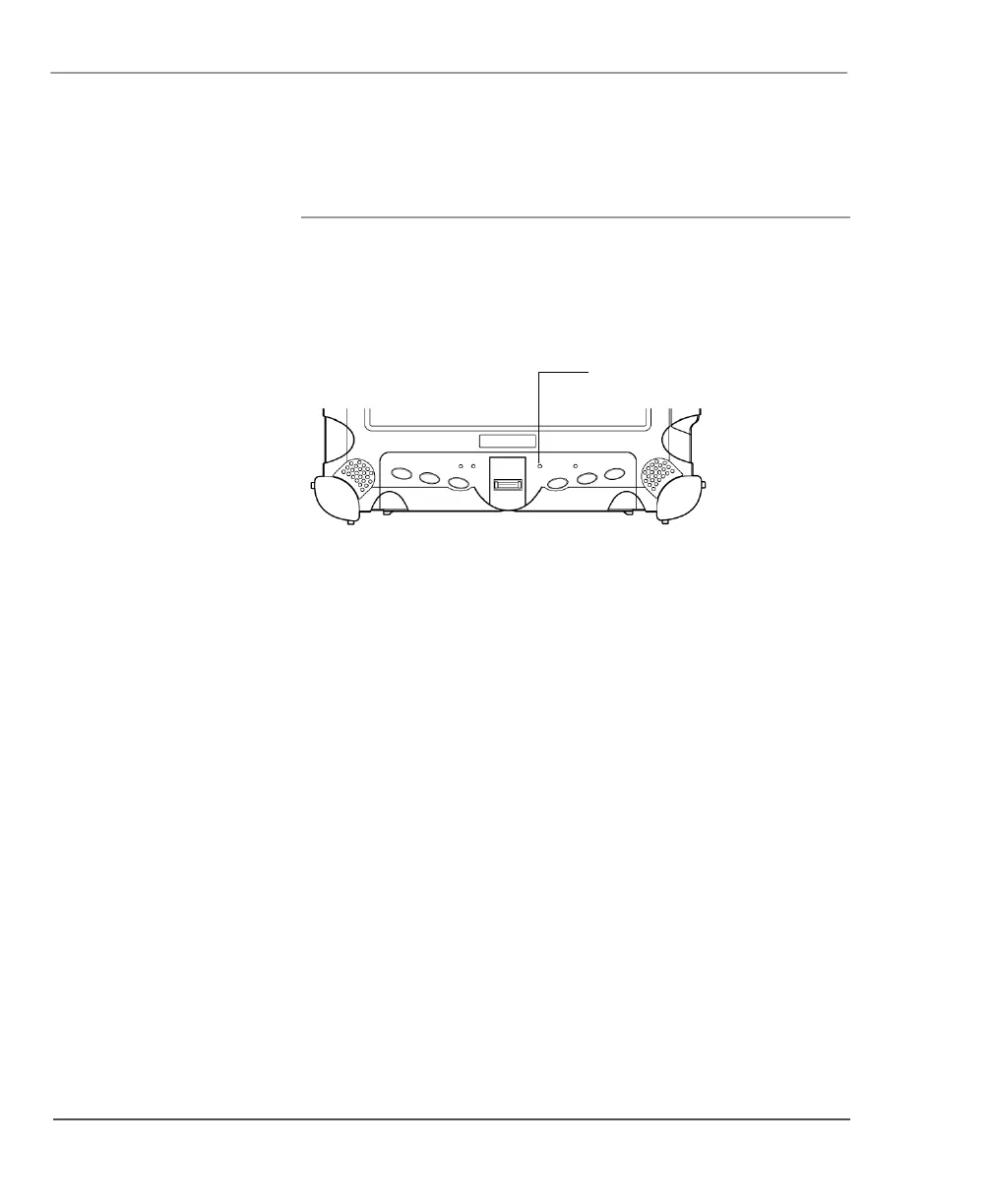
Enabling automatic backlight control
When the Auto Light sensor is enabled, the computer automatically
controls the amount of backlight sent to the screen to provide
optimum brightness for the lighting conditions in which you are
working.
To enable automatic backlight control, see page 100.



 To Next Page