Chapter 2. Using the Tablet
Using power options – Windows Vista
64 iX104C
4
User’s Handbook
Selecting Power (On/Off)/Backlight(On/Off)/Resume
button options
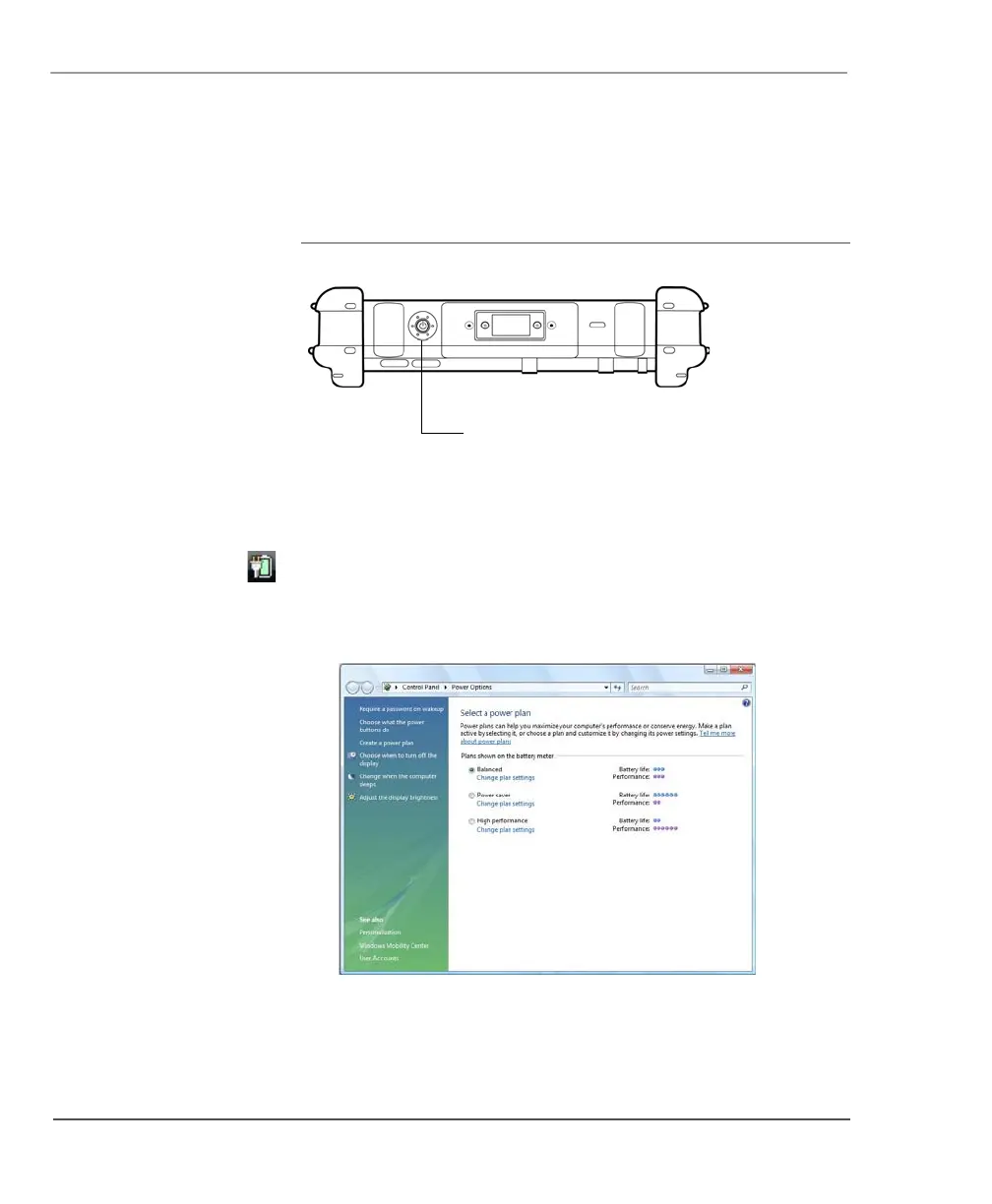
To change what happens when you press the button:
1. On the Windows taskbar, right-click the battery icon.
2. Select Power Options.
The following window opens.
3. Press Choose what the power buttons do.
4. Select the options you want to use.
Power (On/Off)/
Backlight (On/Off)/
Resume button



 To Next Page