Chapter 2. Using the Tablet
Using power options – Windows Vista
iX104C
4
User’s Handbook 63
Selecting power options
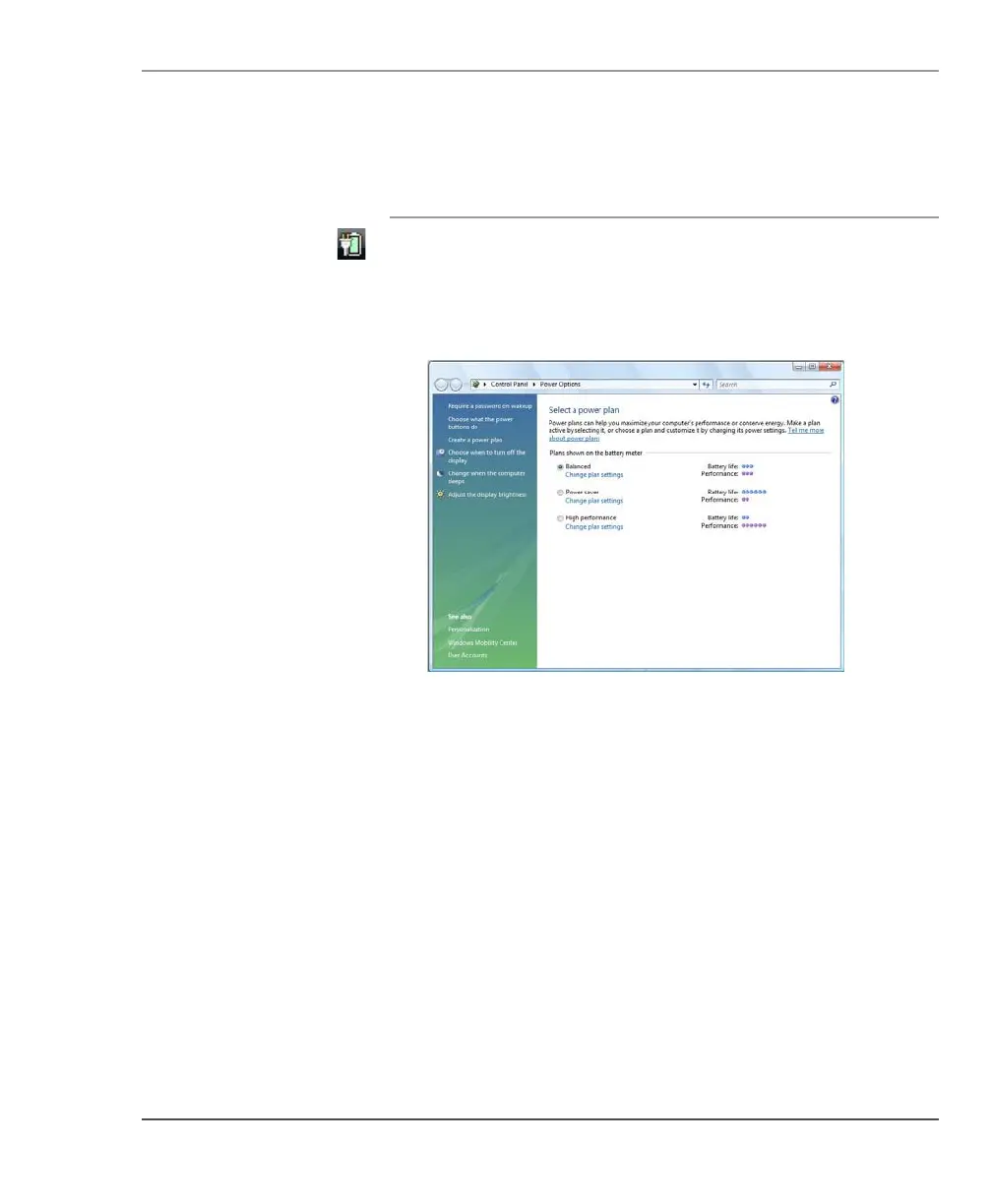
1. On the Windows taskbar, right-click the battery icon.
2. Select Power Options.
The following window opens.
3. Under the selected power plan, press Change plan settings.
4. Select the power options you want to use.



 To Next Page