Chapter 2. Using the Tablet
Suspending and resuming operation
36 iX104C
4
User’s Handbook
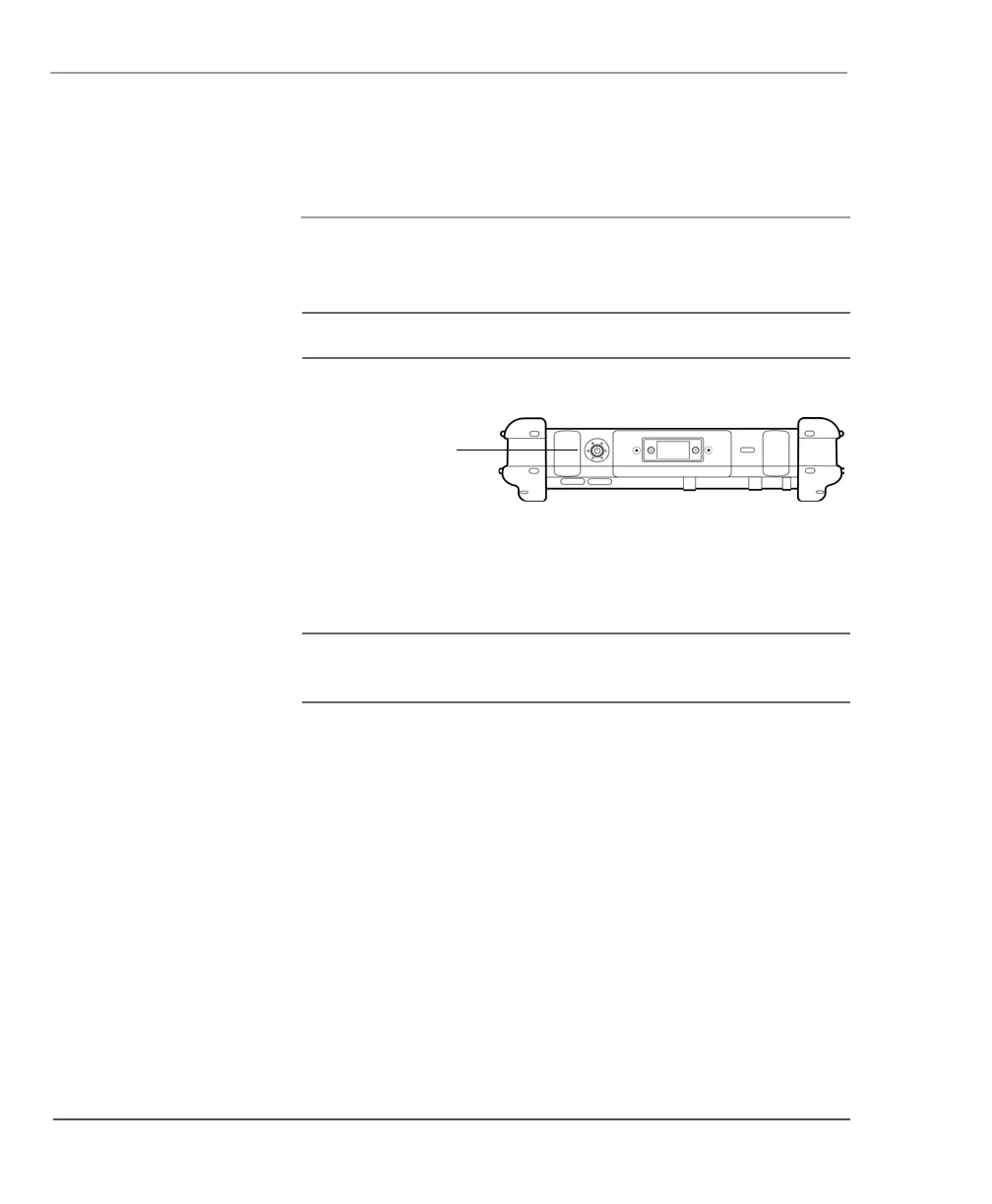
Resuming operation
To resume operation when the computer is in Suspend mode, press
the
Power (On/Off)/Backlight (On/Off)/Resume button.
Note: Press the button only once.
After a minute or two, the computer resumes normal operation. When
the Status LED displays a continuous green light, you can begin using
the computer.
Note: Resuming operation from Hibernation mode takes a little
longer than from Suspend-to-RAM mode.
Power (On/Off)/
Backlight (On/Off)/
Resume button



 To Next Page