Chapter 3. Maintaining the Tablet
Calibrating the digitizer
88 iX104C
4
User’s Handbook
Calibrating the digitizer: iX104C
4
– Windows Vista
Follow these instructions if your computer is running Windows Vista.
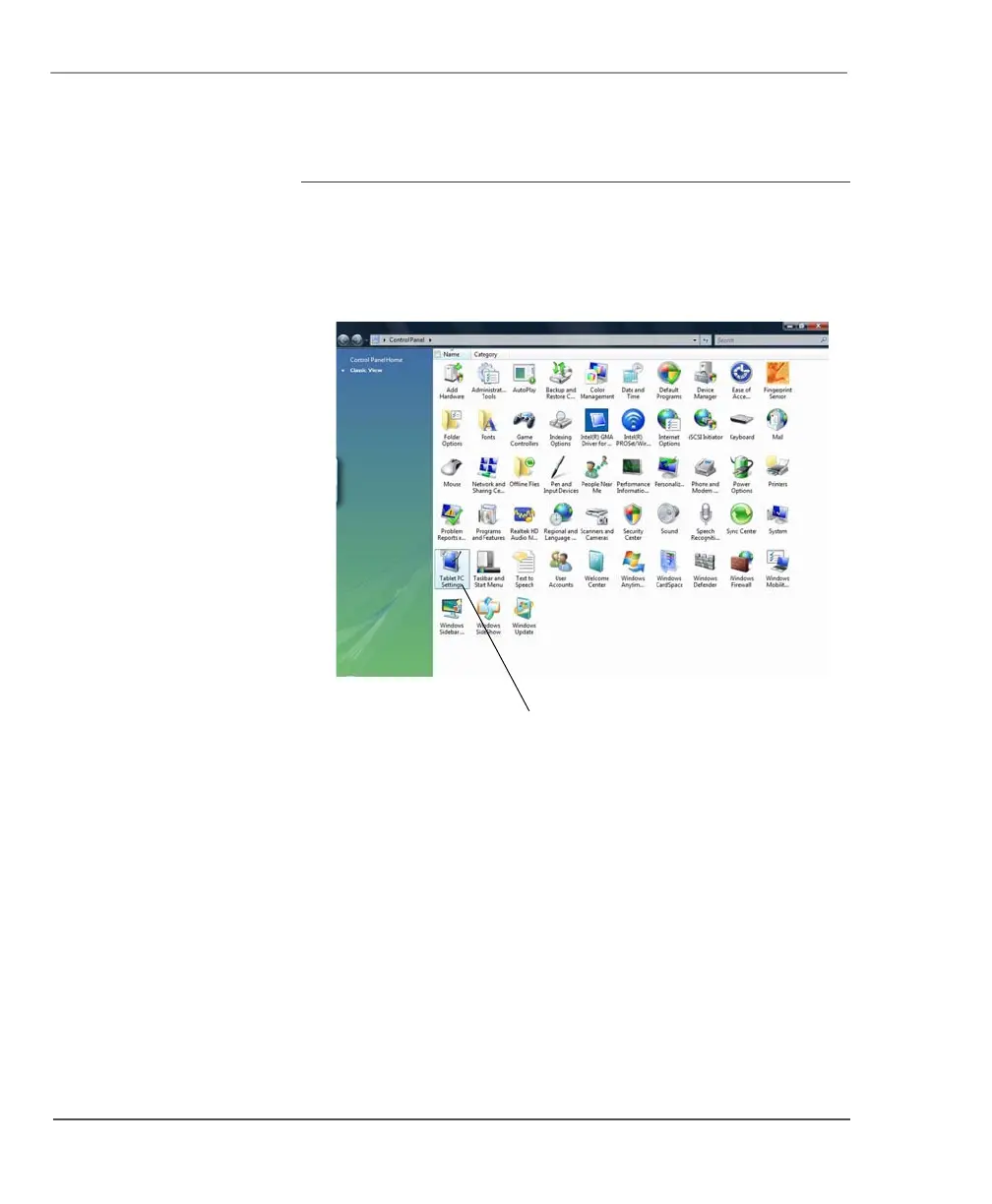
1. From the Start menu, select Control Panel.
The Control Panel opens.
2. Double-click the Tablet PC Settings icon.
The Tablet PC Settings window opens.



 To Next Page