Chapter 3. Maintaining the Tablet
Calibrating the digitizer
86 iX104C
4
User’s Handbook
Calibrating the digitizer: iX104C
4
– Windows XP
Follow these instructions if your computer is running Windows XP.
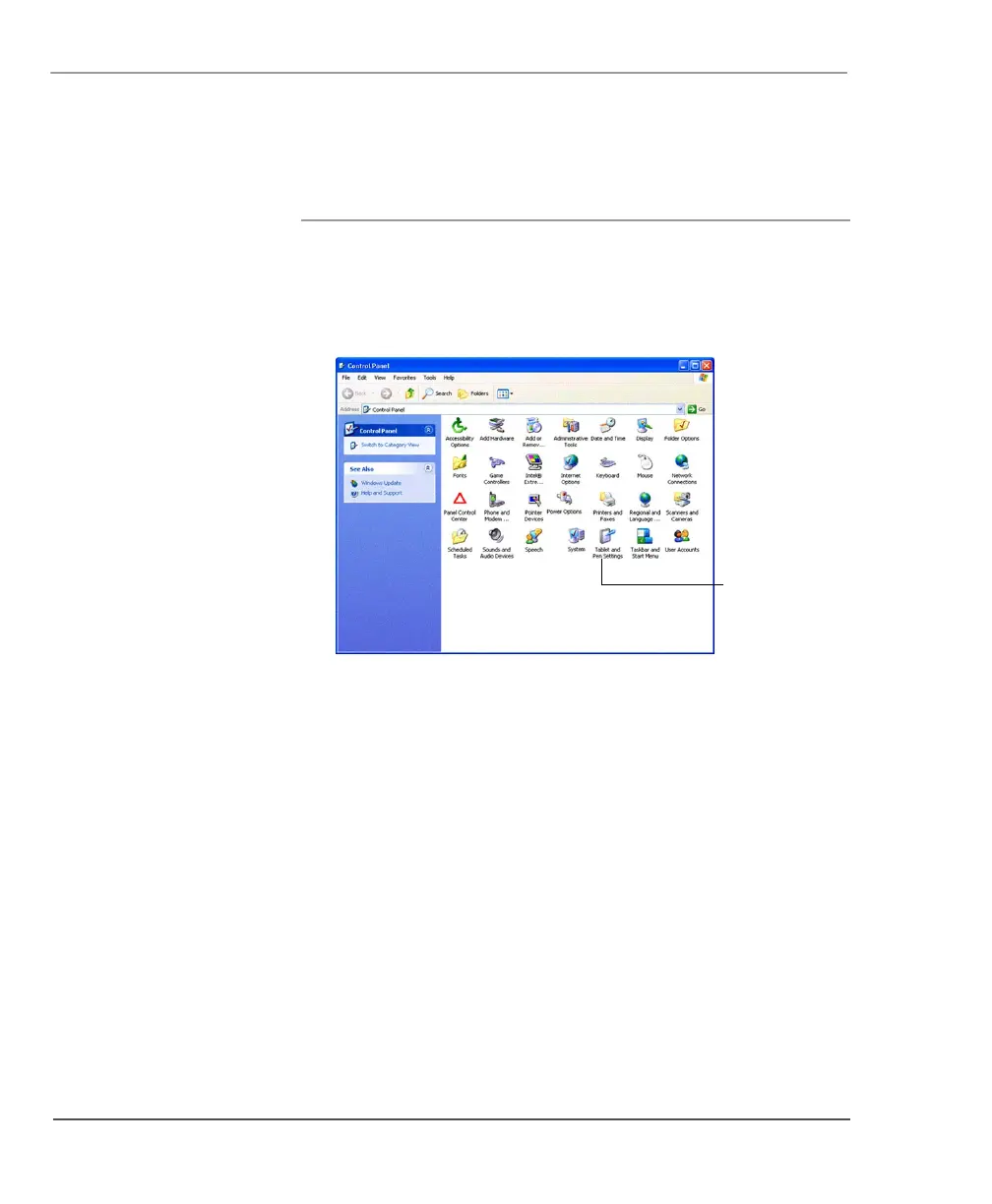
1. From the Start menu, select Control Panel.
The Control Panel opens.
2. Click the Tablet and Pen Settings icon.
The Tablet and Pen Settings window opens.
Tablet and
Pen Settings
icon



 To Next Page