Chapter 3. Maintaining the Tablet
Caring for the tablet
82 iX104C
4
User’s Handbook
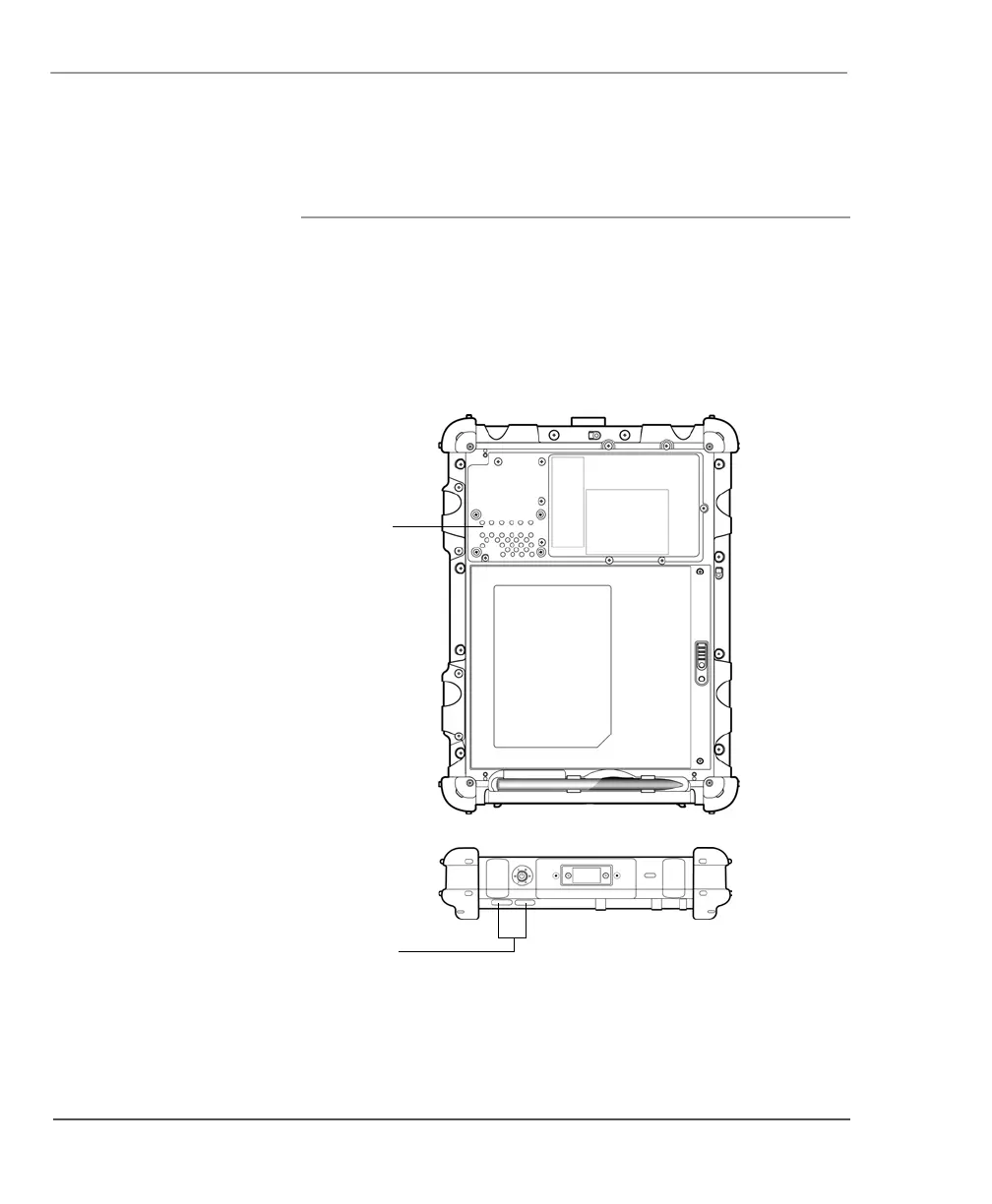
Preventing the computer from overheating
The computer monitors its internal temperature. As the internal
temperature approaches the tolerable limits of heat-sensitive
components, system functions are automatically limited or turned off
to prevent damage.
To prevent the computer from overheating, do not obstruct the
computer’s air vents.



 To Next Page