Chapter 2. Using the Tablet
Using power options – Windows XP
60 iX104C
4
User’s Handbook
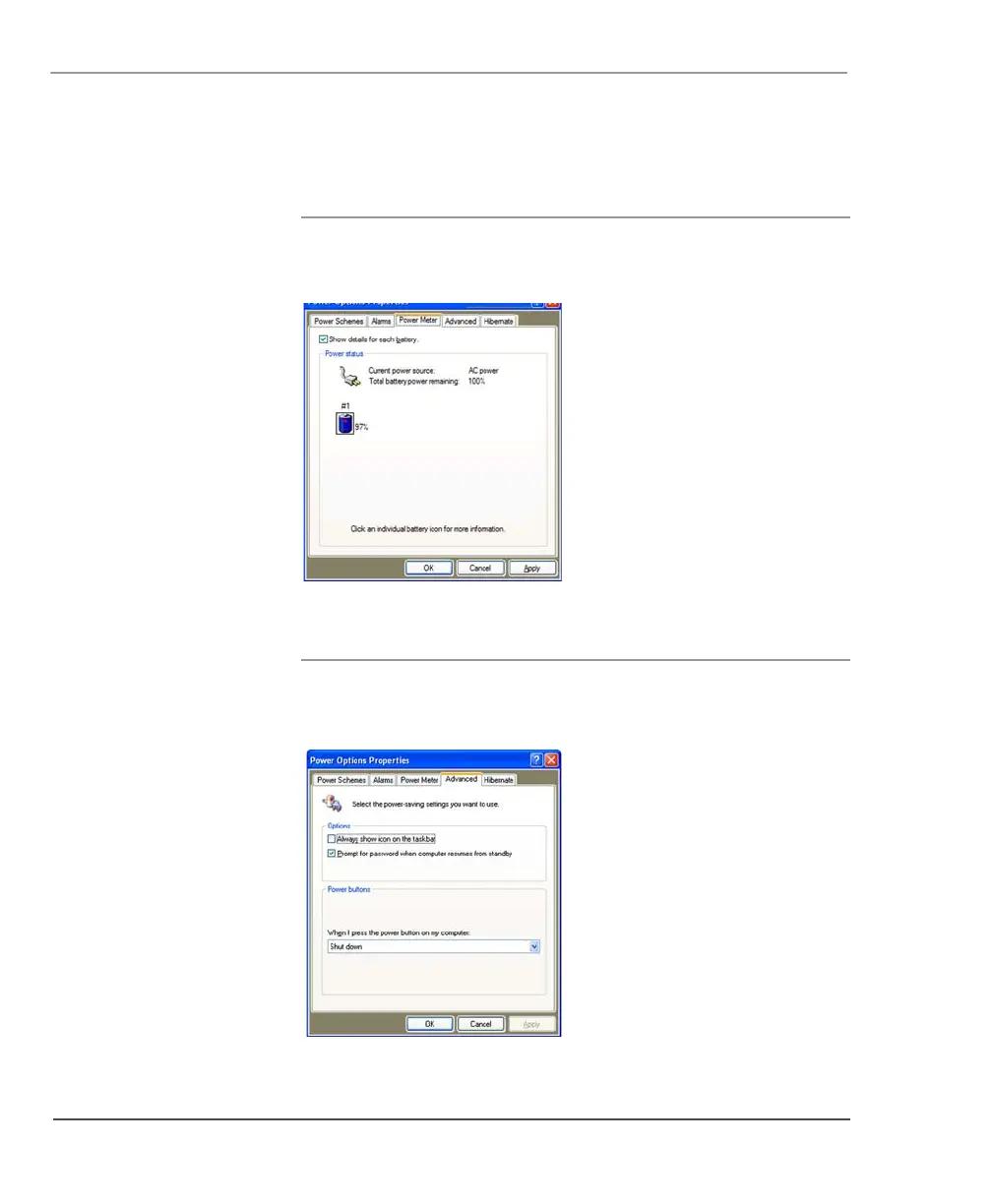
Checking battery power status
In the Power Options Properties window (page 58), select the Power
Meter
tab. The window shows the amount of power left in the battery.
Selecting power settings
In the Power Options Properties window (page 58), select the
Advanced tab; then select the power settings options you want to use.



 To Next Page