Chapter 1. Getting Started
Front view
22 iX104C
4
User’s Handbook
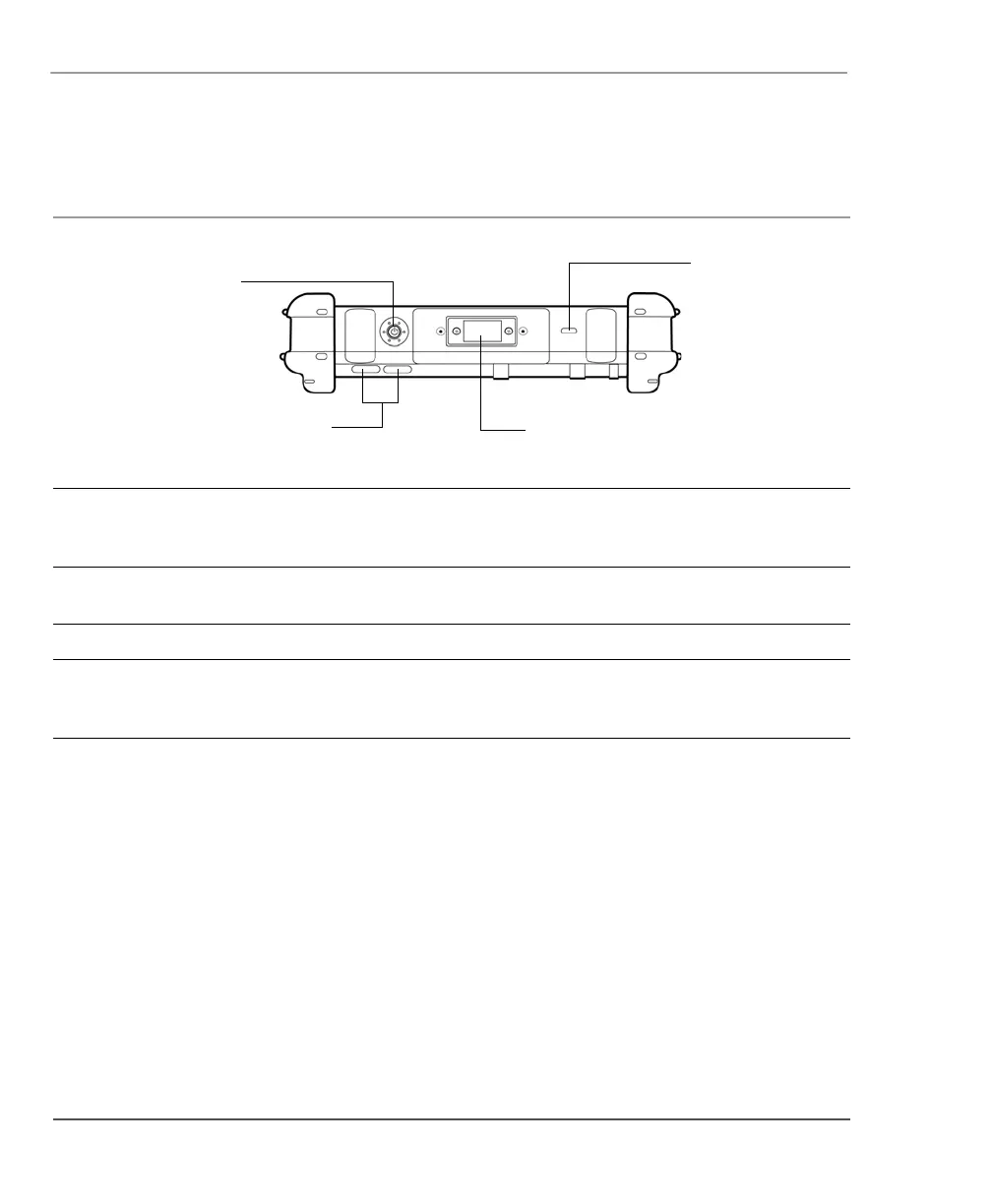
Top view
Power (On/Off)/
Backlight (On/Off)/
Resume button
Air flow vents
Bluetooth antenna
Kensington
lock slot
Power (On/Off)/
Backlight (On/Off)/
Resume button
Press the button to turn the computer on or off, to turn the backlight on or off, or to
resume operation.
Air flow vents Help prevent the computer from overheating by forcing heat away from the
computer. (Do not block the vents.)
Bluetooth antenna Bluetooth antenna.
Kensington™ lock slot Connector for the optional Kensington MicroSaver™ or equivalent compatible
security cable.
Note: Contact your reseller for information about the Kensington security cable.



 To Next Page