Chapter 2. Using the Tablet
Using power options – Windows Vista
62 iX104C
4
User’s Handbook
Using power options – Windows Vista
Checking battery power status
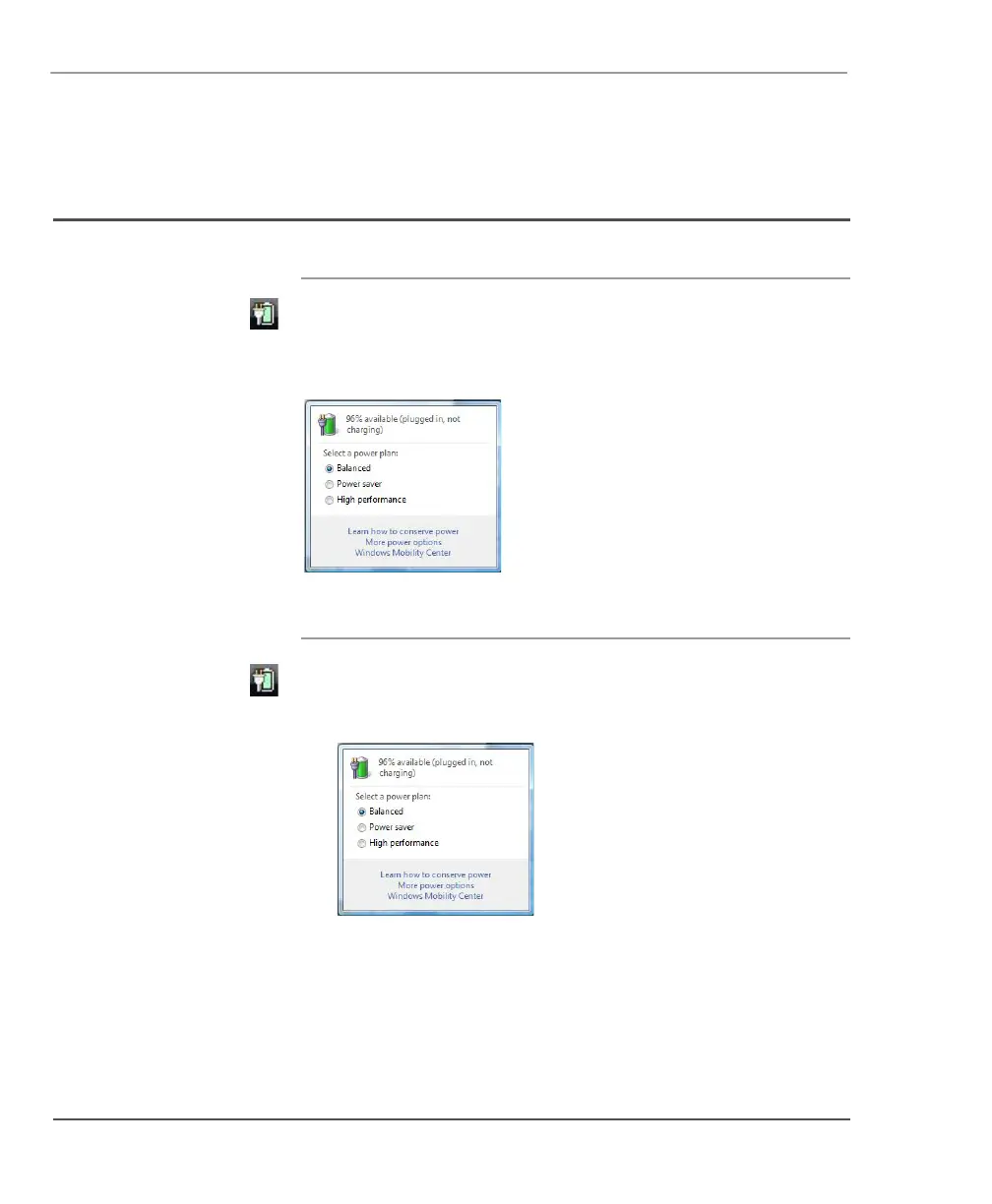
On the Windows taskbar, click the battery icon.
The following window opens, displaying the percentage of power
remaining in the battery:
Selecting a power plan
1. On the Windows taskbar, click the battery icon.
The following window opens:
2. Select one of the following power plans:
Balanced – A balance between computer performance and
battery life.
Power Saver – Longer battery life and lower performance.
High performance – Higher performance and shorter battery life.



 To Next Page