Chapter 2. Using the Tablet
Suspending and resuming operation
34 iX104C
4
User’s Handbook
If the Suspend action of the Power On/Off/Suspend/Resume button
has been disabled to prevent accidental interruption, pressing the
button does not suspend the computer. You must use a software
application to suspend the computer. For more information, contact
your help desk or your iX104C
4
dealer.
If your computer is connected to a network, the network may
automatically log you off after a period of inactivity while system
operation is suspended. Contact your help desk or system
administrator to learn your log-off time limit.
Suspending operation
Use one of the following methods to suspend operation:
Method 1
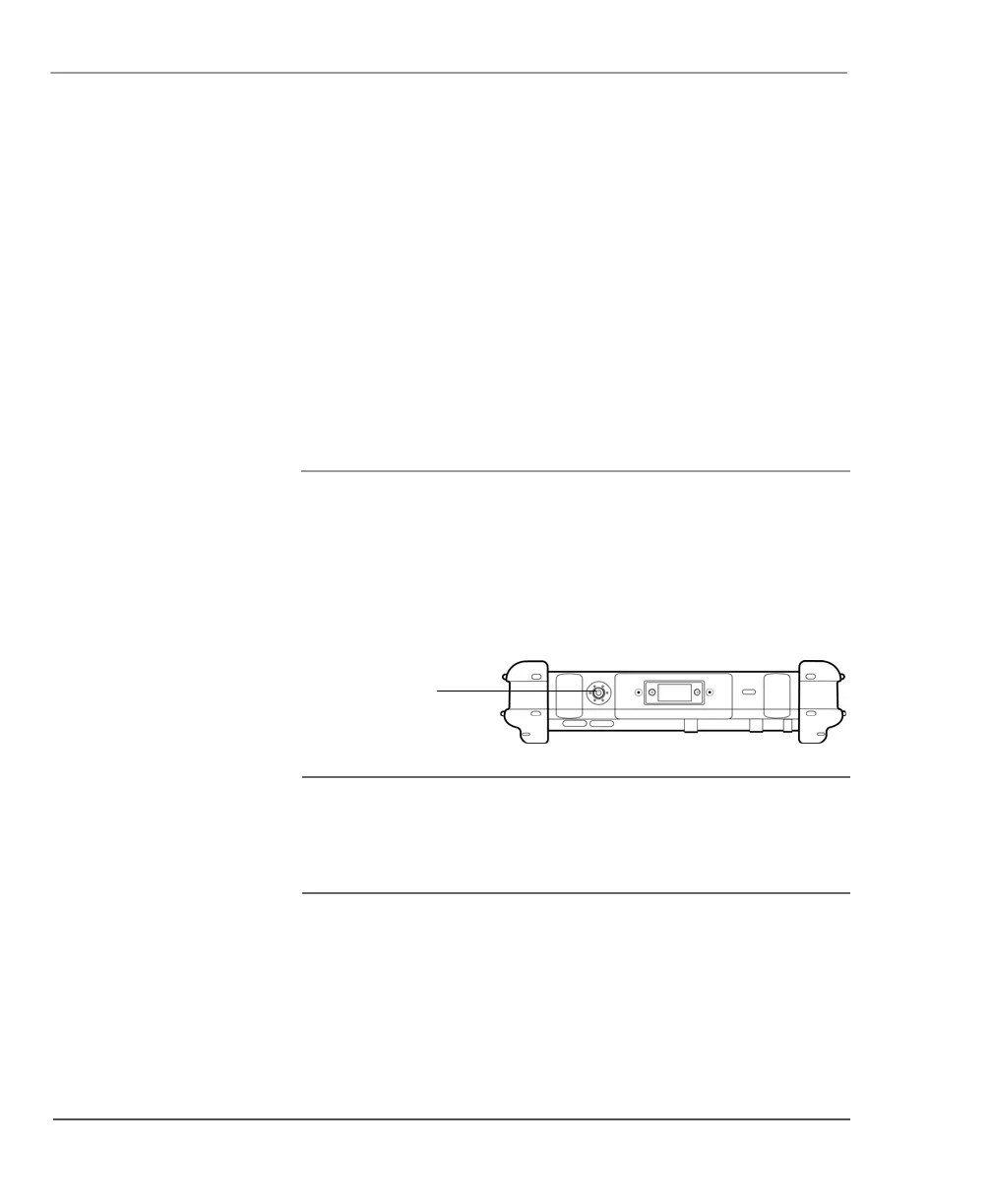
Press and hold the Power (On/Off)/Backlight (On/Off)/Resume button
for 4 seconds.
Note: In order to suspend operation, the Suspend option must be
enabled in Windows Power Options. See “Using power options –
Windows XP” on page 58 or “Using power options – Windows
Vista” on page 62.
Power (On/Off)/
Backlight (On/Off)/
Resume button



 To Next Page