Chapter 2. Using the Tablet
Suspending and resuming operation
iX104C
4
User’s Handbook 35
Method 2 – Windows XP
1.
From the Windows Start menu, press Turn Off Computer.
The
Turn off computer dialog box opens.
2. Press Stand By.
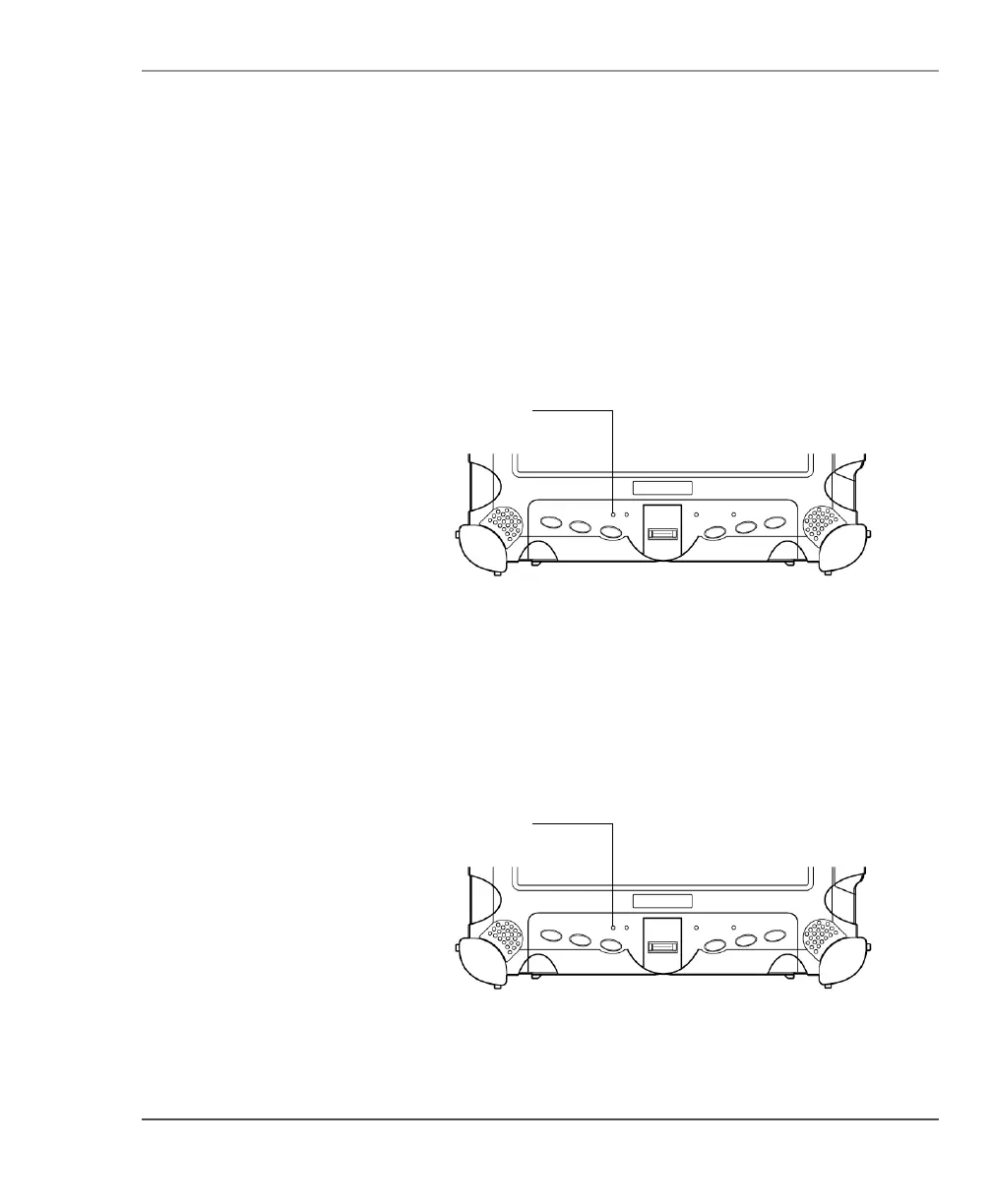
When operation is suspended, the Status LED displays a continuous
yellow light.
Method 2 – Windows Vista
1.
From the Windows Start menu, press the right arrow in the lower
right corner.
2. Press Sleep.
When operation is suspended, the Status LED displays a continuous
yellow light.



 To Next Page