Chapter 3. Maintaining the Tablet
When to replace the pen
84 iX104C
4
User’s Handbook
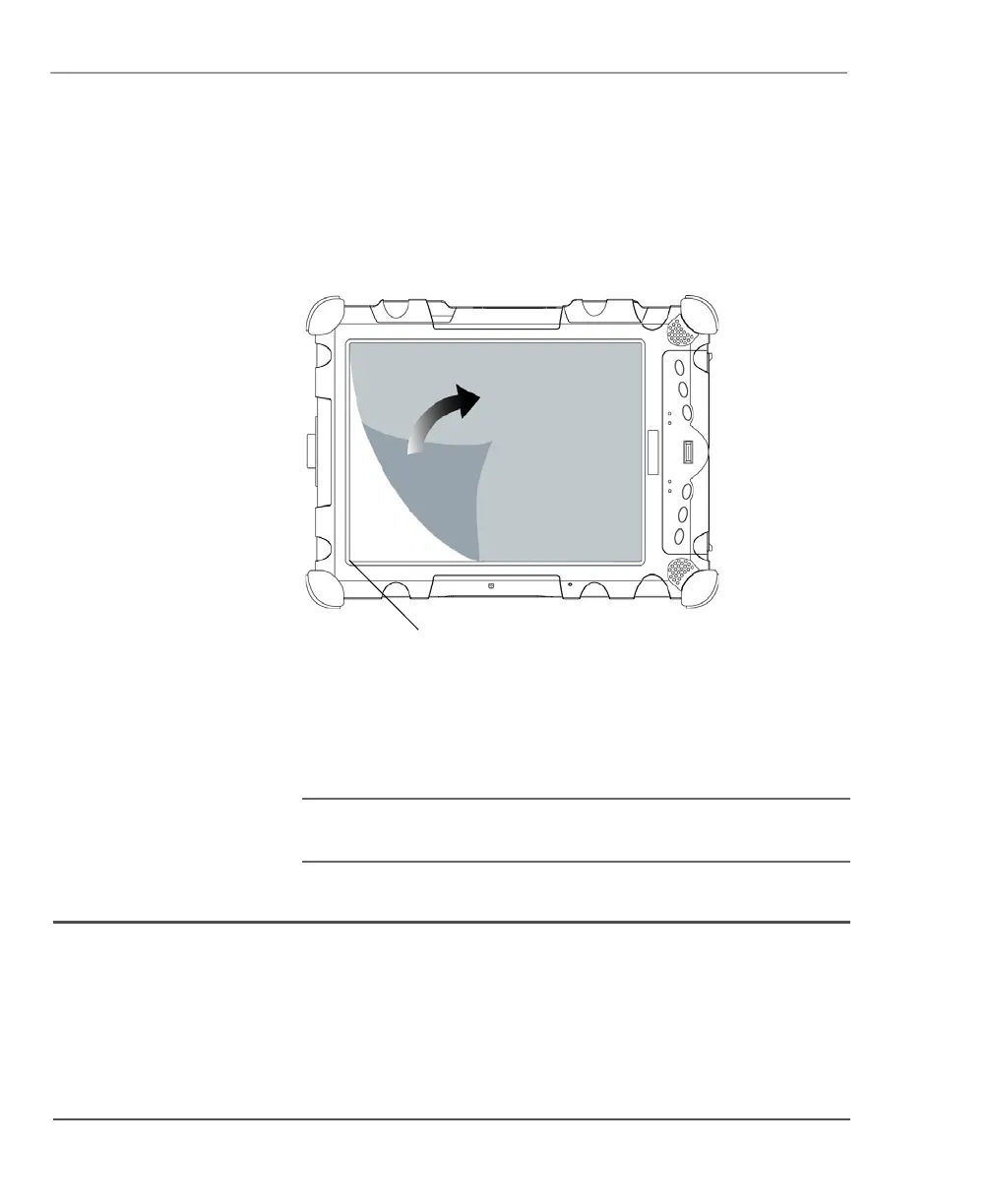
Removing the screen protector
Slide your fingernail under the edge of the screen protector and pull
the protector away from the screen.
Installing a new screen protector
Follow the instructions included with your screen protector
replacement kit.
Note: If a screen protector is already installed on the display
screen, remove it before installing the new screen protector.
When to replace the pen
With use, the pen tip may become worn and can scratch the screen.
If your pen exhibits one of the following problems, replace the pen:
■ The pen does not move freely across the screen.
■ The pen does not perform as expected.



 To Next Page