Chapter 2. Using the Tablet
Using power options – Windows XP
iX104C
4
User’s Handbook 59
Changing the computer’s power schemes
In the Power Options Properties window, select the Power Schemes
tab; then select options from the drop-down lists.
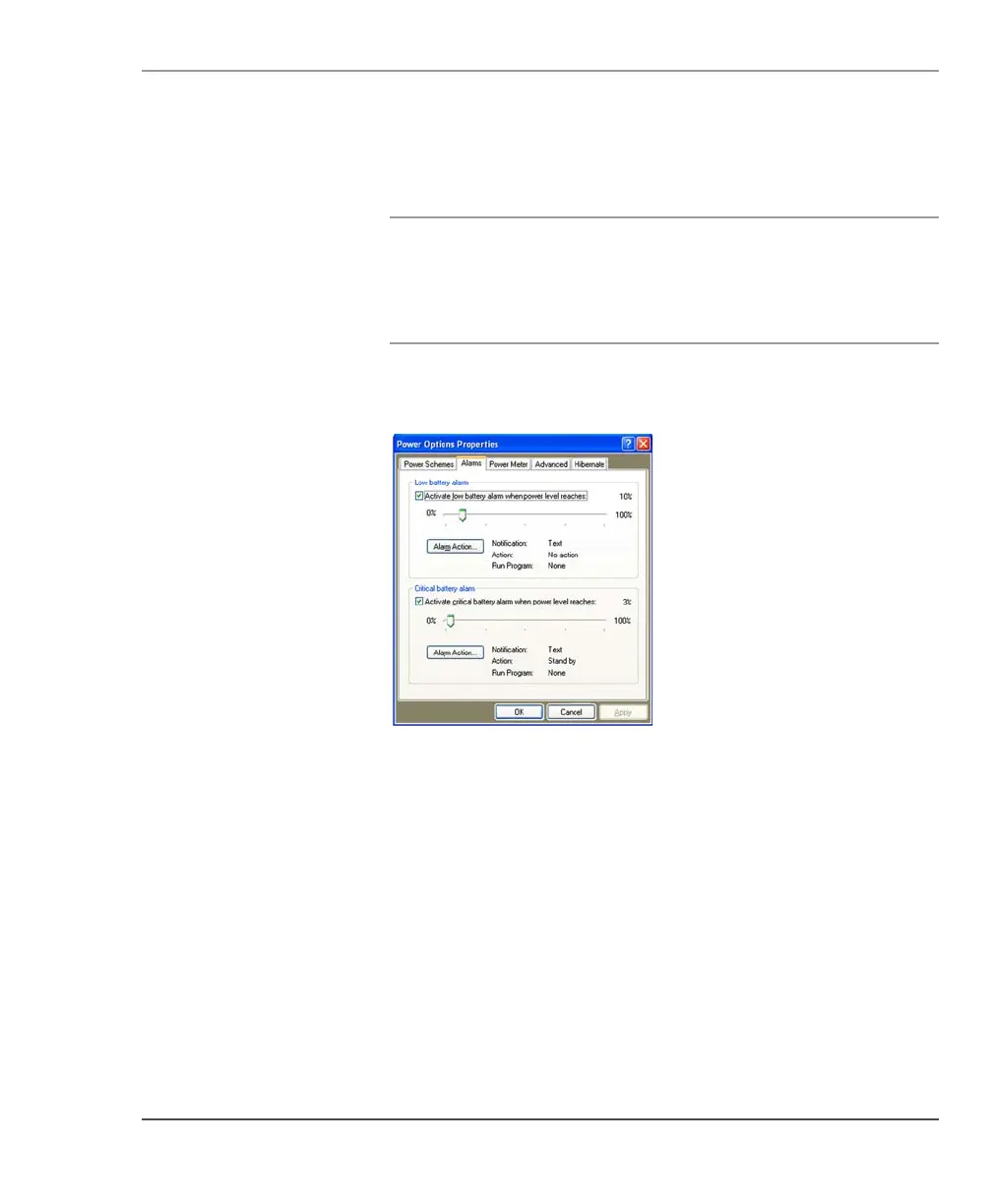
Changing battery alarm settings
In the Power Options Properties window (page 58), select the Alarms
tab; then use the slider bars to change the alarm settings.



 To Next Page