Appendix F. Configuring Dual Mode Tablet Digitizer Input Methods
Summary: Dual Mode digitizer input method settings
122 iX104C
4
User’s Handbook
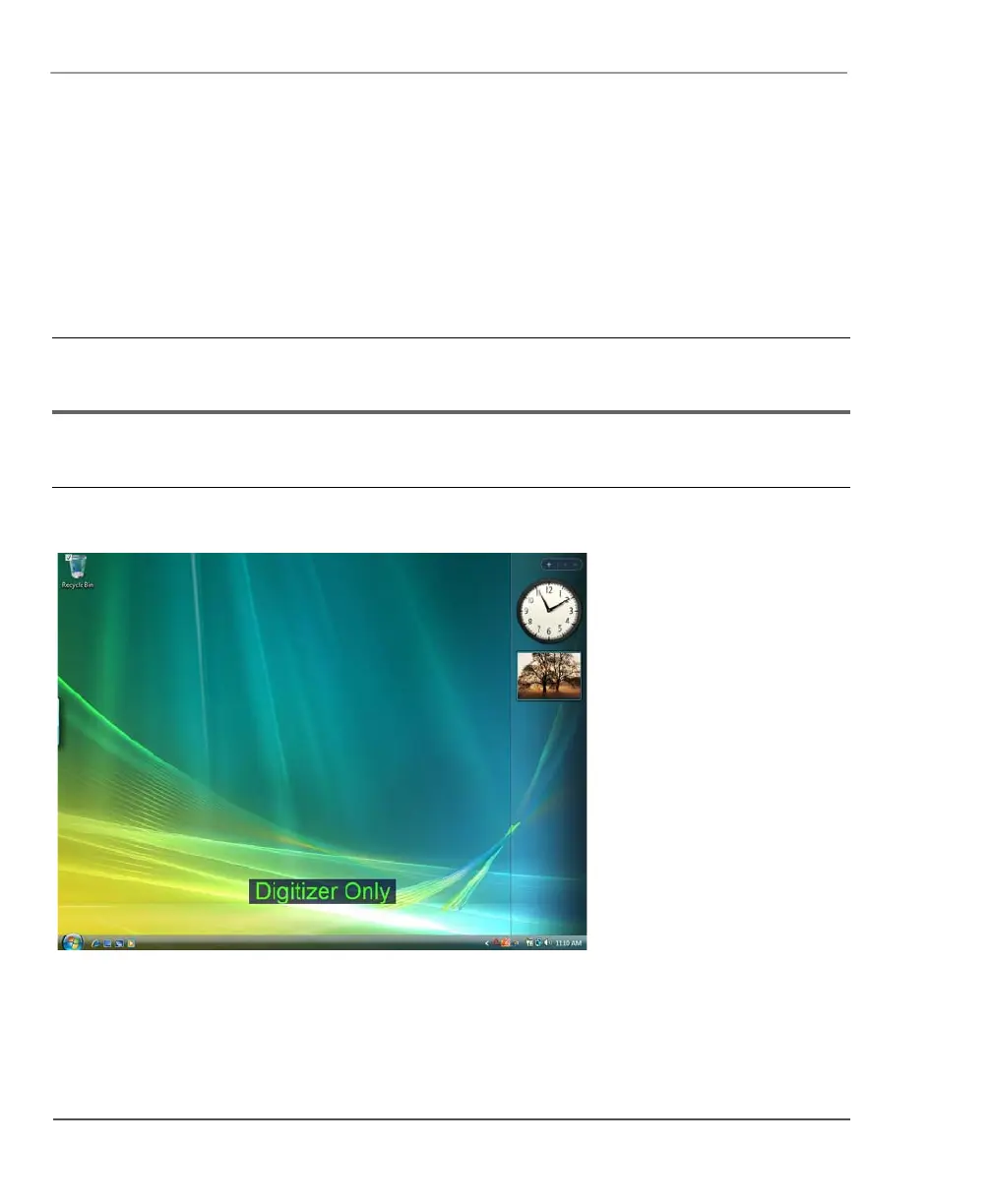
Table 10 Settings: Digitizer Only with Touch Screen disabled
BIOS Setup Utility
Digitizer Selection
value
Panel Control Center
Pre-defined Function
value
On-screen description
when key is pressed Notes
Digitizer Only Touch Screen Toggle “Digitizer Only” Input is possible only from
peripherals and the digitizer.
Touch screen is disabled.



 To Next Page