Chapter 1. Getting Started
Quick-start guide
26 iX104C
3
User’s Handbook
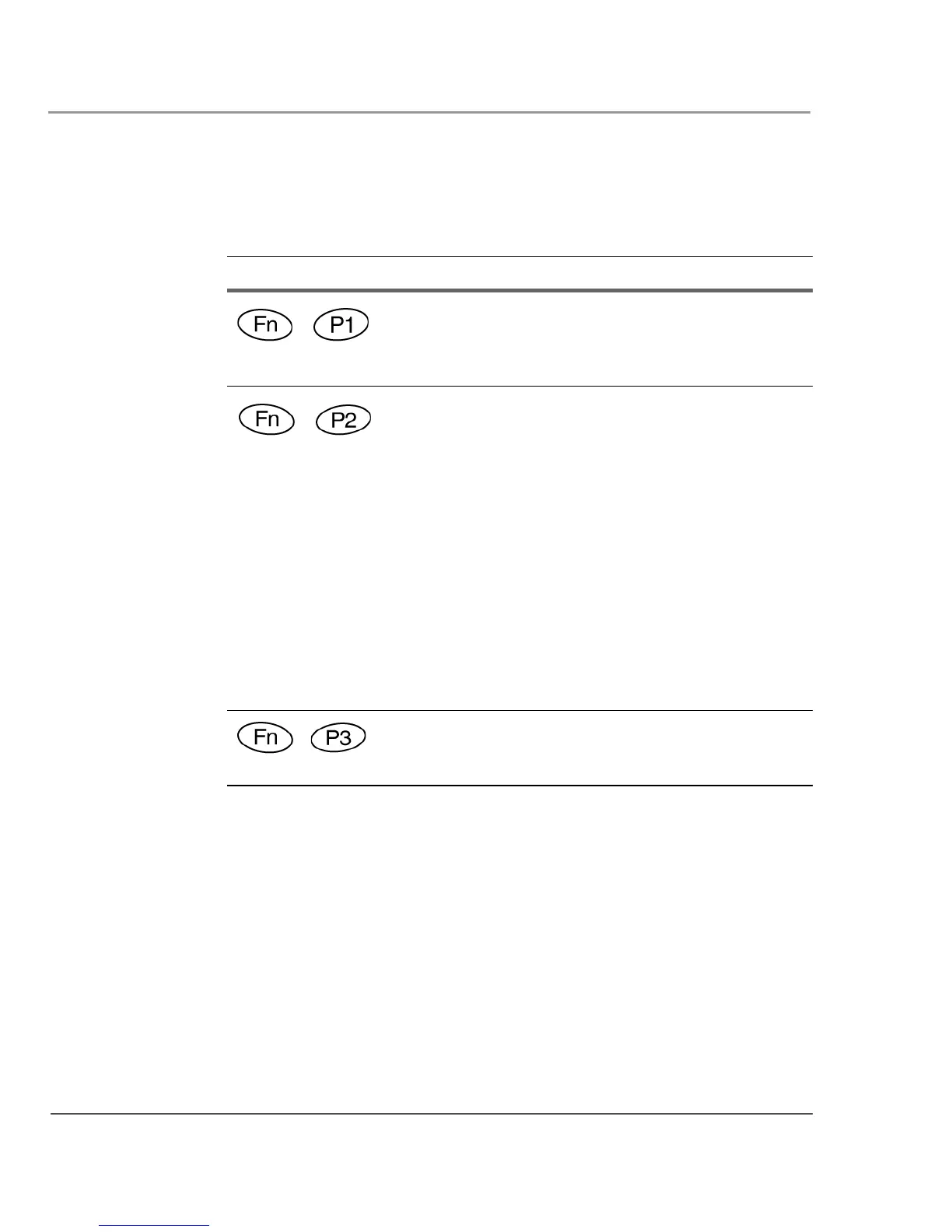
Table 4 Function mode keys
Press these keys... To perform this function
Default function: Send video display to a monitor or
projection panel connected to the computer (and back to
the computer again). You can program this key
combination to perform a different function.
Default function:
iX104C
3
Tablet PC: Open a pre-defined program (see
“Programming hot keys to start applications, open
documents, or go to a Web site” on page 57).
iX104C
3
Dual Mode: Select Auto-Sense mode, Active
mode, or Touch mode. This determines the input
devices you can use. In Auto-Sense mode, you can use
the pen, your finger, or another similar device
interchangeably. In Active mode, you can use only the
pen. In Touch mode, you can use your finger or another
similar pointing device. You can program this key
combination to perform a different function. (See
“Programming hot keys to start applications, open
documents, or go to a Web site” on page 57.)
Default function: Open the pen calibration program. You
can program this key combination to perform a different
function.



 To Next Page