Chapter 2. Using the iX104C3
Using the battery
48 iX104C
3
User’s Handbook
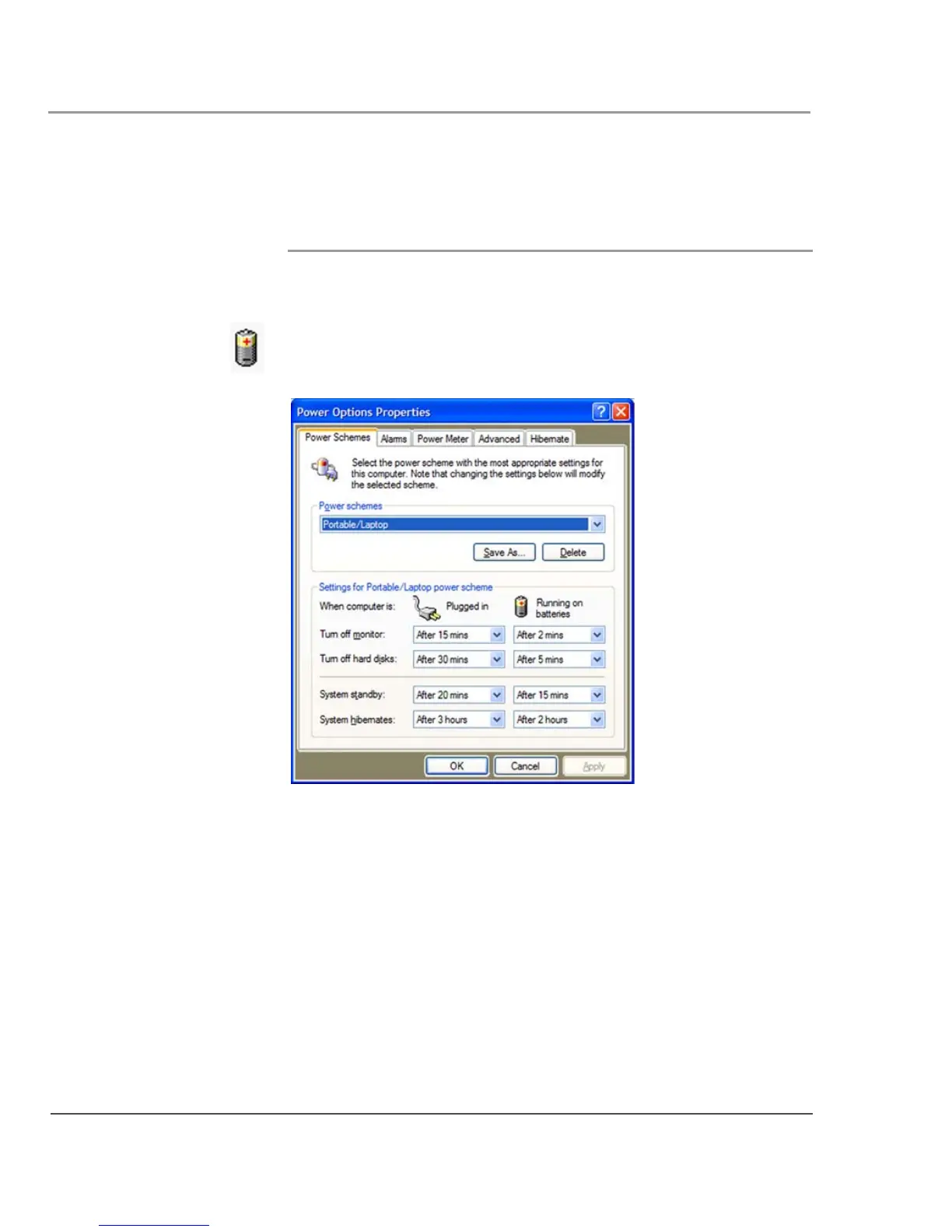
Using power options
This section explains how to use the Power Options Properties
window to manage the computer’s power use.
On the Windows taskbar, click the battery icon.
The Power Options Properties window opens.
Changing the computer’s power schemes
In the Power Options Properties window, select the
Power Schemes
tab; then select options from the drop-down lists.



 To Next Page