Chapter 3. Maintaining the iX104C3
Calibrating the digitizer
74 iX104C
3
User’s Handbook
3. In the Calibration area drop-down list, select the mode for which
you want to calibrate the pen:
Landscape or Portrait; then click
Calibrate.
The Calibration program starts.
4. Follow the instructions that appear on the screen.
5. When you finish, click OK.
Calibrating the digitizer: Touch mode
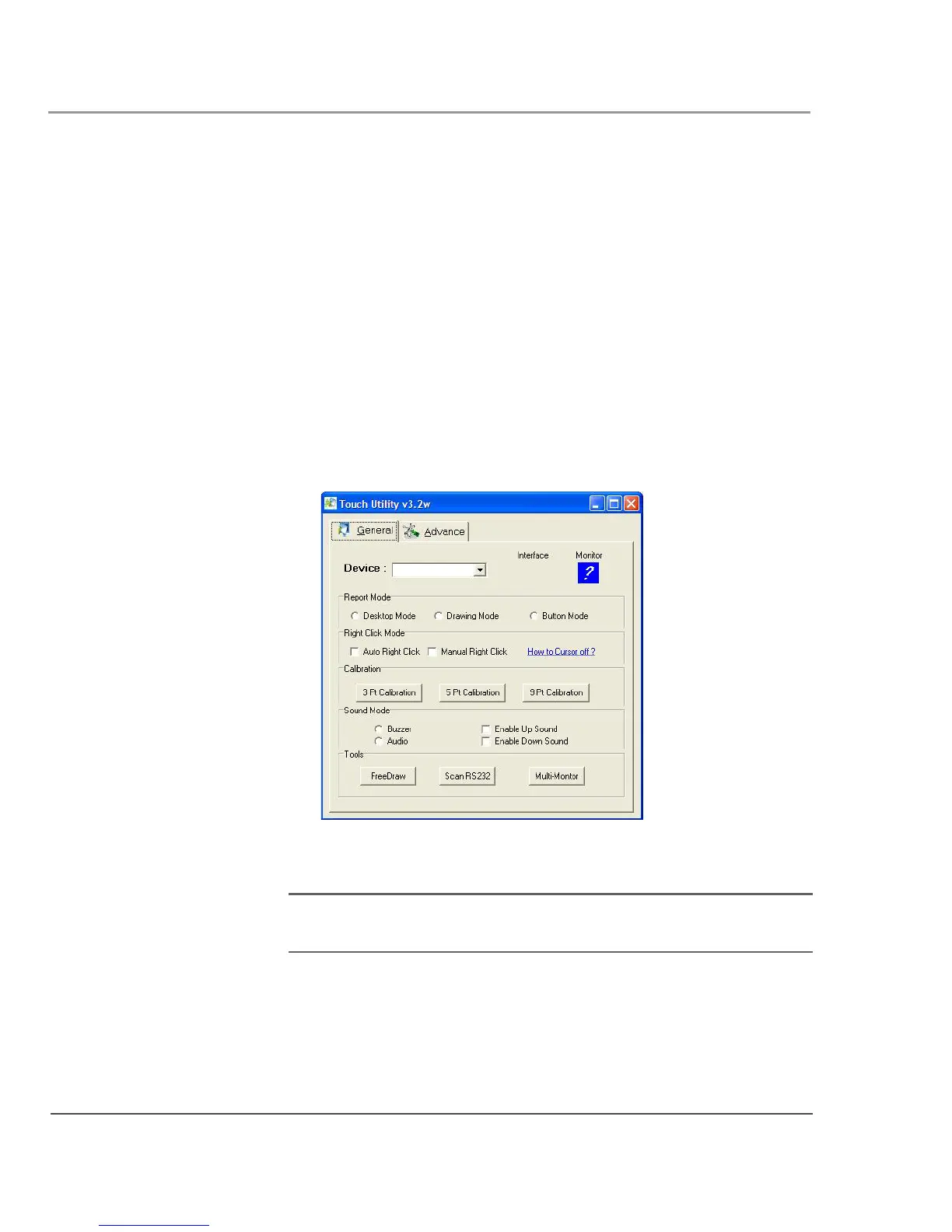
1. From the Start menu, select All Programs > Touch Utility.
The Touch Utility window opens.
2. Click the appropriate Calibration button.
Note: Xplore Technologies recommends 5 Pt or 9 Pt calibration, for
greater accuracy.
The Calibration program starts.
3. Follow the instructions that appear on the screen.
4. When you finish, click OK.



 To Next Page