Chapter 2. Using the iX104C3
Connecting devices
iX104C
3
User’s Handbook 41
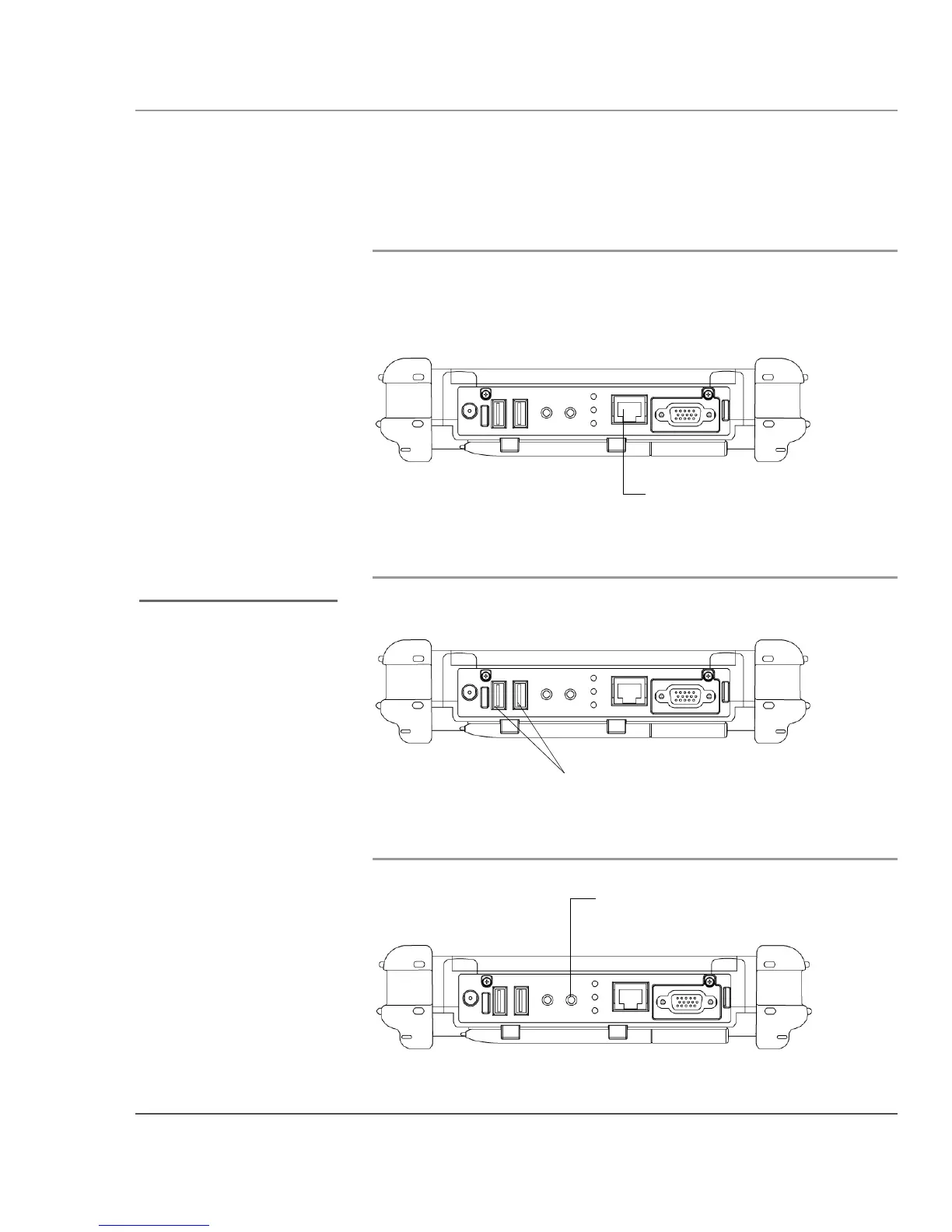
Connecting to a local area network or telephone line
Connect a local area network (LAN) cable’s RJ-45 connector to the
internal LAN interface card. (See your network system administrator
for more information.)
Connecting USB-compatible devices
Connect any USB-compatible devices to the computer’s USB ports.
Connecting an external microphone
LAN connector
Devices must be in
compliance with USB
Standard Revision 2.0.
USB ports
microphone
connector



 To Next Page