Appendix F. Configuring Dual Mode Tablet Digitizer Input Methods
Using the Panel Control Center to configure controls for temporary changes to the input method
96 iX104C
3
User’s Handbook
Using the Panel Control Center to configure controls for temporary changes
to the input method
The Panel Control Center enables you to set controls for temporary,
session-based changes to the Dual Mode tablet input method.
Notes:
Administrator rights are not required to make temporary settings.
When the tablet is restarted, the temporary settings are lost and
the default values set in the BIOS Setup Utility are restored.
1.
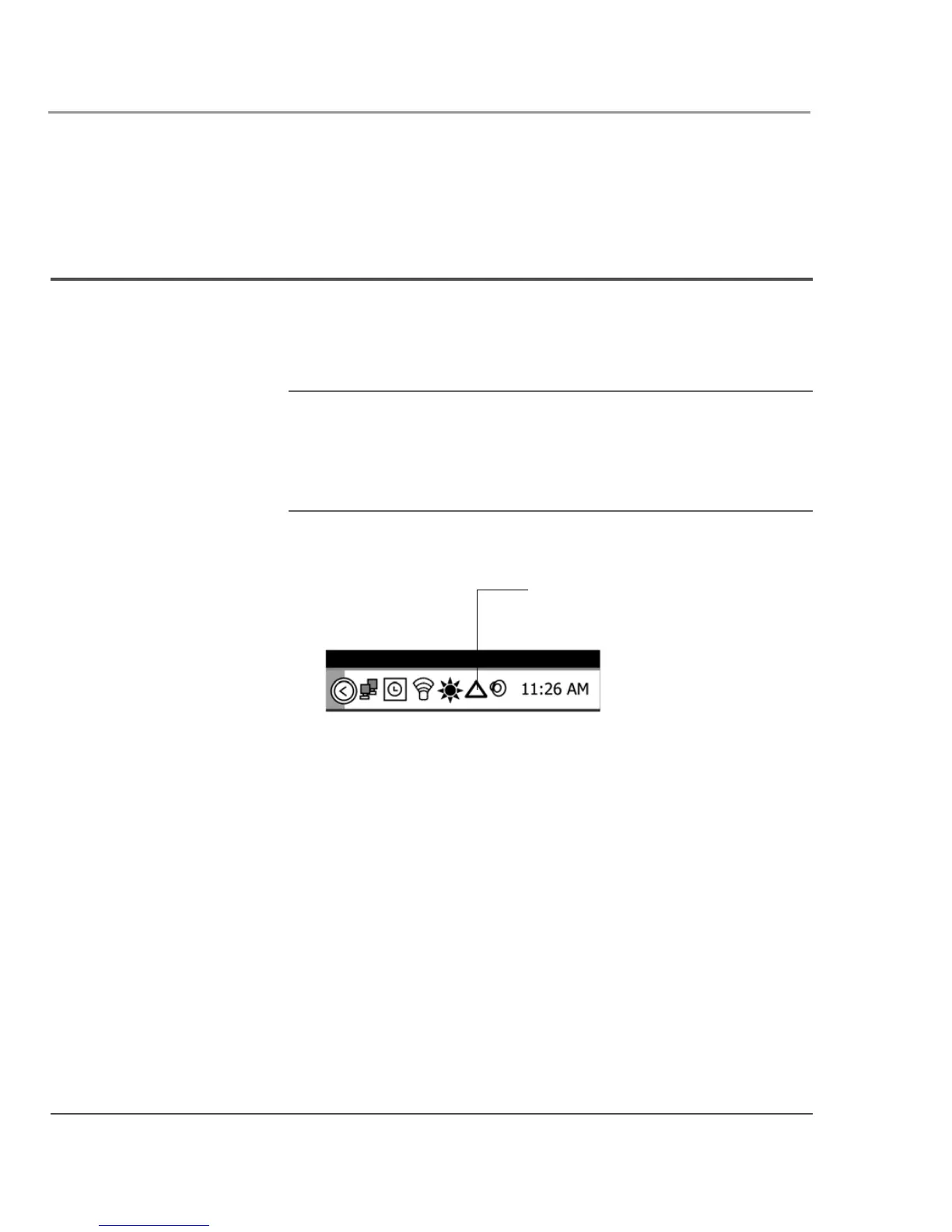
In the Windows taskbar, click the Panel Control Center icon.
2. Click the Configure button.
3. Click the Change button next to the P key for the function you
want to change.
Panel Control Center icon



 To Next Page