Chapter 2. Using the iX104C3
Using the pen
34 iX104C
3
User’s Handbook
Using the digitizer to perform mouse functions
To perform this function... Do this
Select an object
(left button click).
Tap the pen tip once on the object.
Perform a double-click. Quickly tap the pen tip twice on the object.
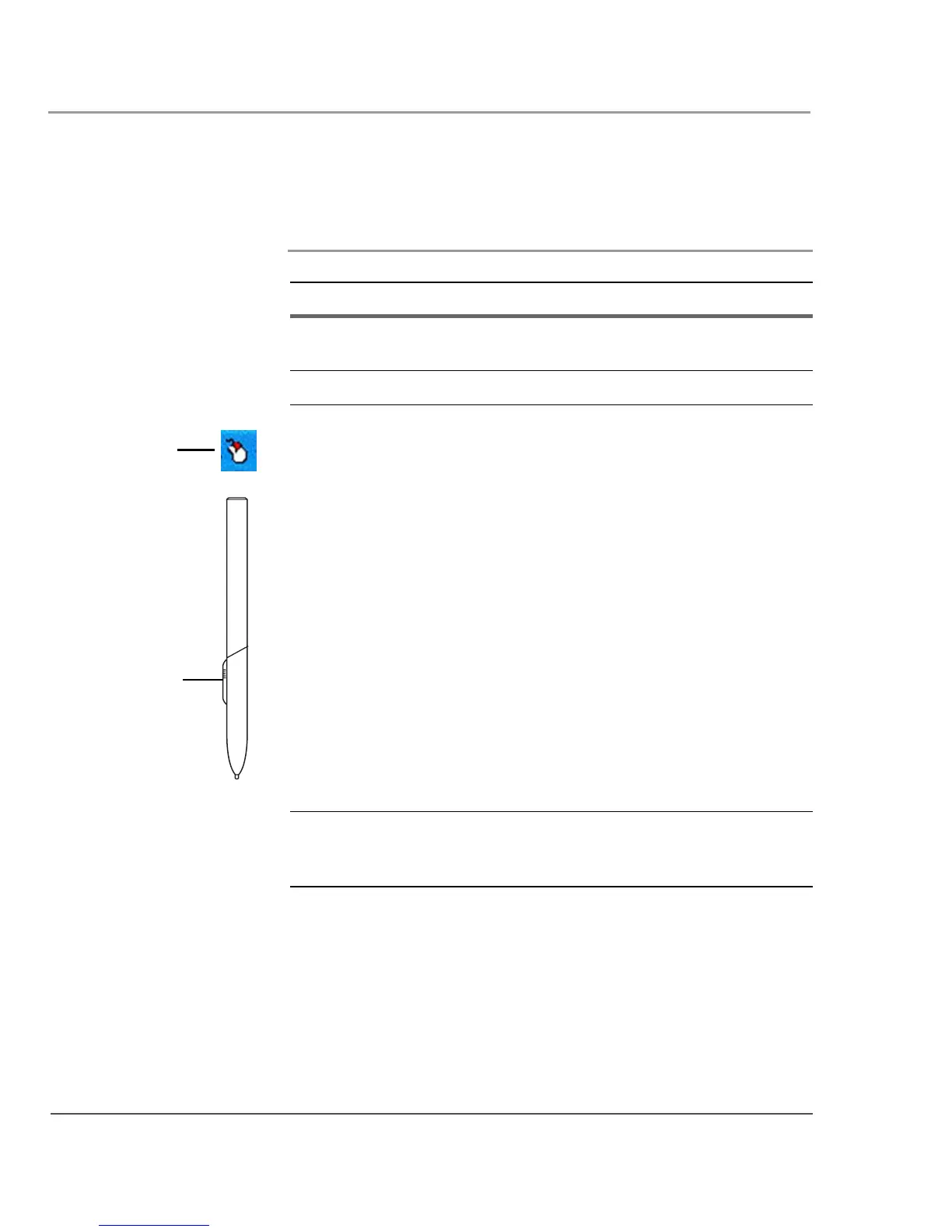
Perform a right-click. If your computer is an iX104C
3
Tablet PC:
Hold the pen directly on the object for
1 second. The right-click icon appears.
or
Press the right-click button on the pen
while you click the object.
If your computer is an iX104C
3
Dual Mode:
Touch mode:
In the Windows taskbar, press the
right-click icon; then click the object.
Active mode:
Hold the pen directly on the object for 1
second. The right-click icon appears.
or
Press the right-click button on the pen
while you click the object.
Move or drag an object. Place the pen tip on the object; then
continue to hold the pen tip against the
screen as you move the pen.
right-click
icon
right-click
button



 To Next Page