Chapter 2. Using the iX104C3
Connecting devices
42 iX104C
3
User’s Handbook
Adjusting microphone volume
If necessary, adjust the volume of the microphone as follows:
1. Press the Windows Start key.
2. Open the Windows Control Panel.
3. In the Control Panel window, double-click the Sounds and Audio
Properties
icon.
4. In the Sounds and Audio Properties window, click the Audio tab.
5. In the Sound recording area, click the Volume button.
6. Adjust the volume.
7. Click OK.
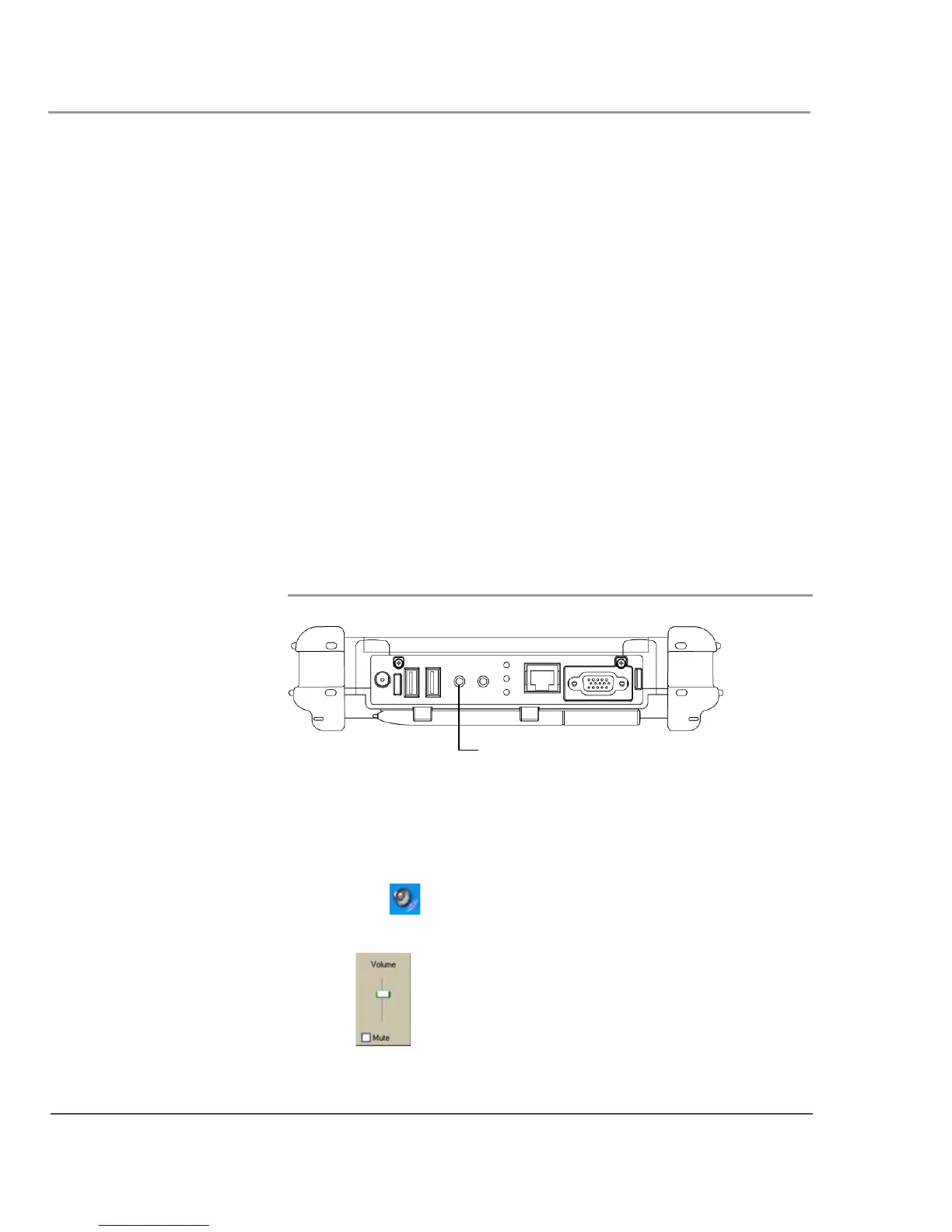
Connecting a headphone or speakers
Adjusting headphone or speaker volume
1. Click the audio icon in the Status area of the Windows
taskbar.
The volume control area opens.
headphone/speakers
connector



 To Next Page