Appendix F. Configuring Dual Mode Tablet Digitizer Input Methods
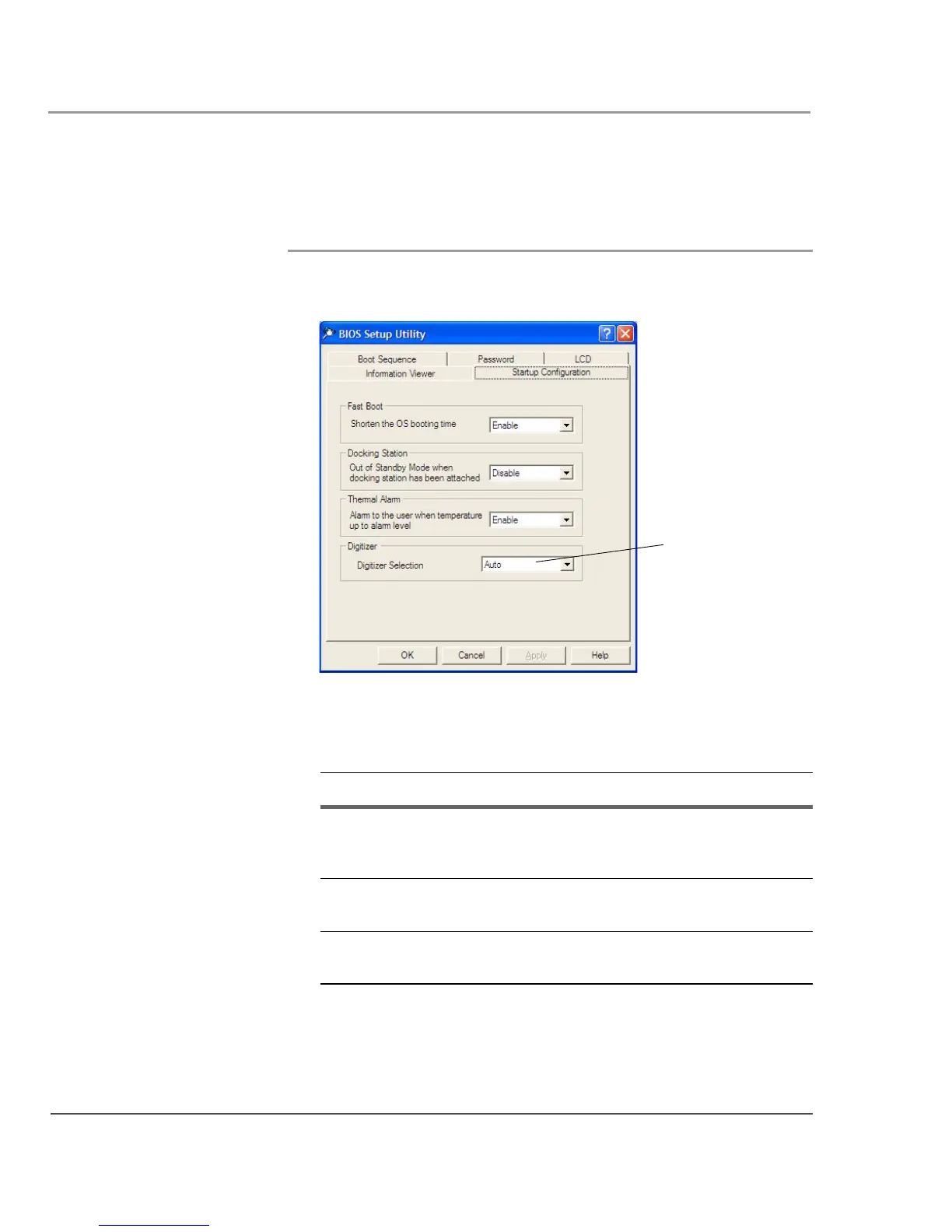
Using the BIOS Setup Utility to set input method defaults
94 iX104C
3
User’s Handbook
Selecting the digitizer input method
1. Select the Startup Configuration tab.
2. In the Digitizer Selection field, select the value from the
drop-down list as follows:
Value Description
Auto Enables automatic sensing (Auto Sense) of inputs
from touch and from the active pen.
Note: This is the default setting.
Touch Only Enables touch input only. Active digitizer, pen
inputs, and Auto Sense are all disabled.
Digitizer Only Enables inputs from the active pen only. Touch
input and Auto Sense are disabled.
Digitizer Selection
field



 To Next Page