Chapter 2. Using the iX104C3
Programming hot keys
iX104C
3
User’s Handbook 63
Programming hot keys to perform other key
functions
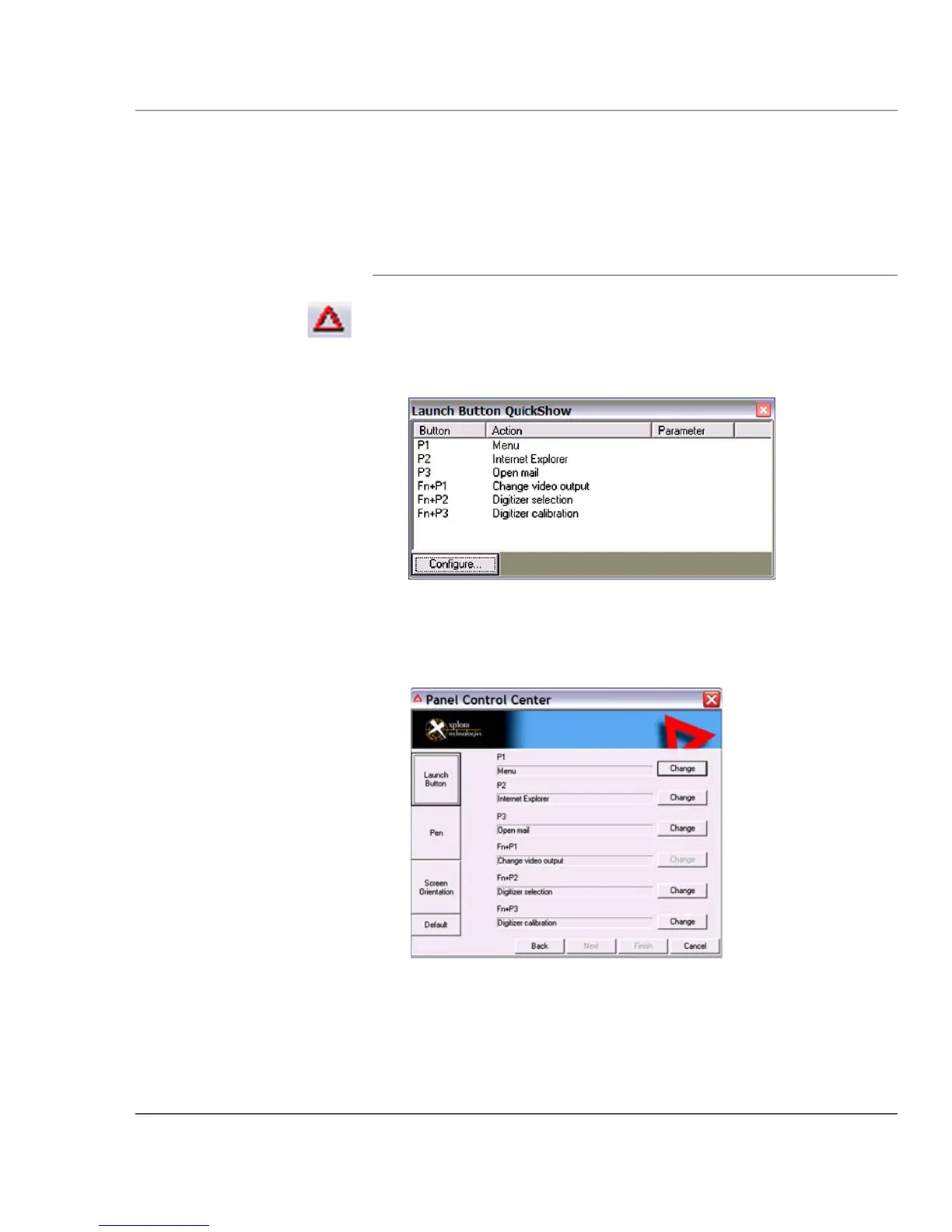
1. In the Status area of the Windows taskbar, click the iX104C
2
Configuration
icon.
The Launch Button QuickShow dialog box opens.
2. Click the Configure button.
The Panel Control Center window opens.
3. Next to the key or key combination you want to program, click
the
Change button.



 To Next Page