Appendix F. Configuring Dual Mode Tablet Digitizer Input Methods
Using the Panel Control Center to configure controls for temporary changes to the input method
iX104C
3
User’s Handbook 97
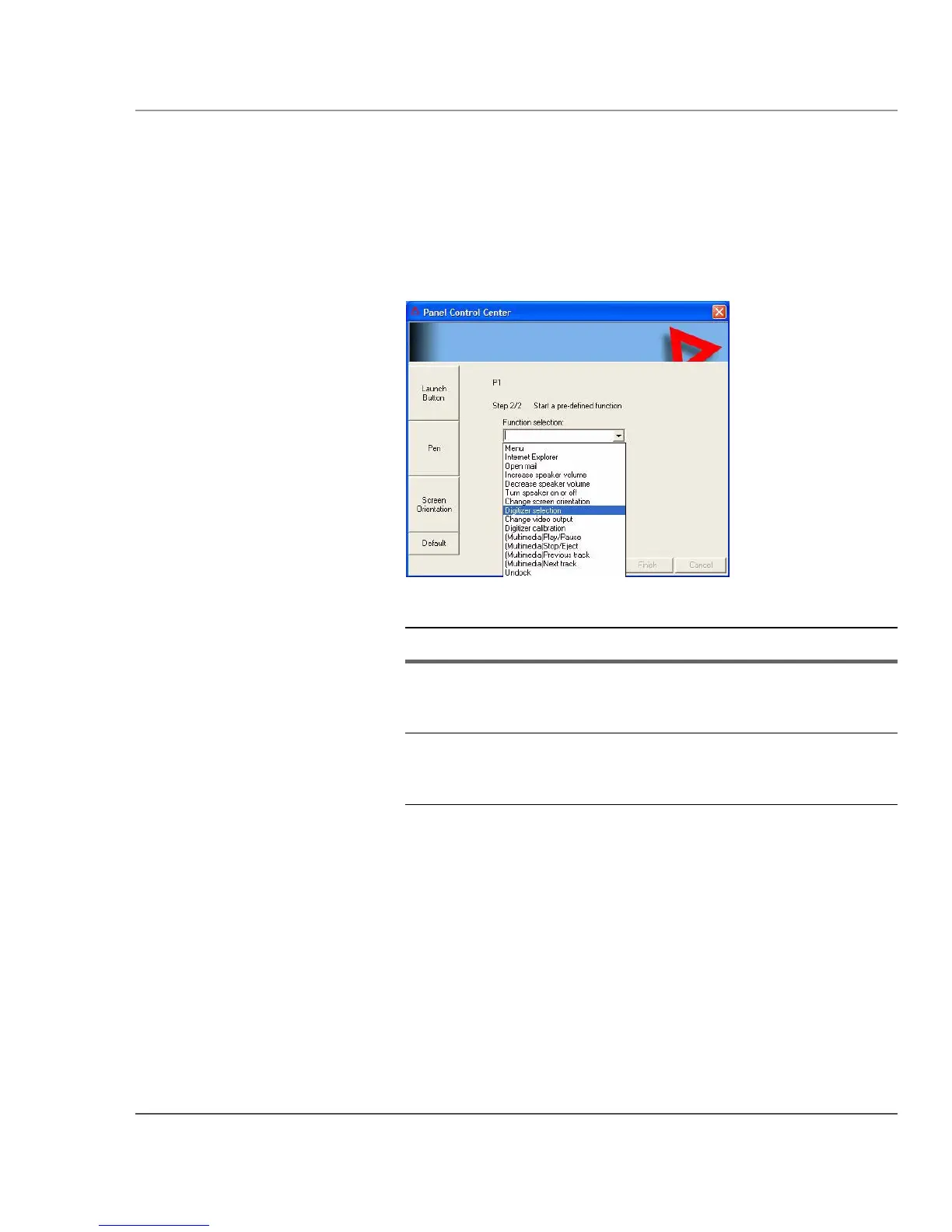
4. From the drop-down list, select Digitizer Selection or Touch Panel
Toggle
.
Value Description
Digitizer Selection If the digitizer input method is set to Auto in the
BIOS Setup Utility, toggles from Auto to Digitizer
Only to Touch Only.
Touch Panel Toggle If the digitizer input method is set to Auto or Touch
Only in the BIOS Setup Utility, temporarily disables
touch only.



 To Next Page