Chapter 2. Using the iX104C3
Programming hot keys
iX104C
3
User’s Handbook 59
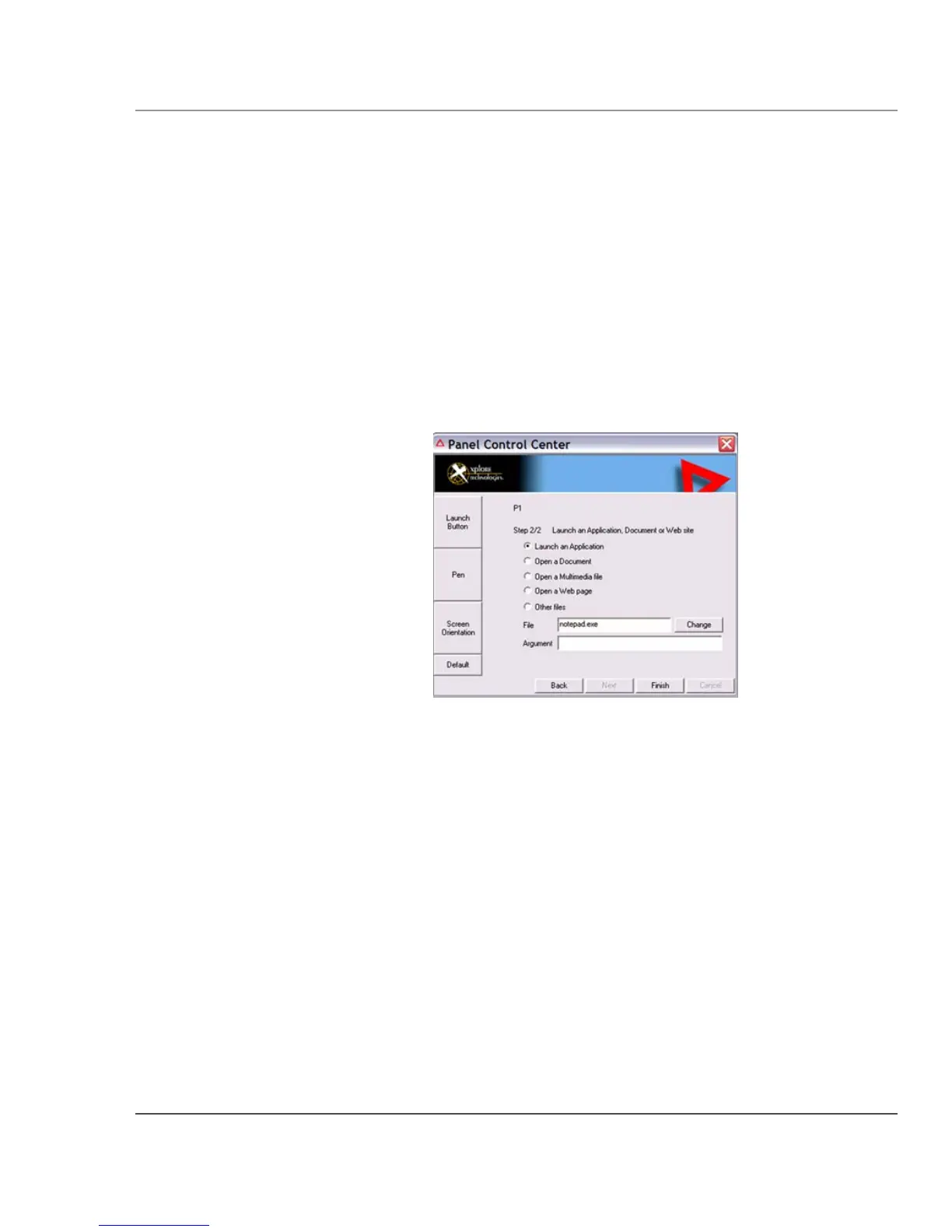
5. To start an application:
a.
Click Launch an Application.
b. In the File text box, type the name of the application you
want the hot key or Function mode hot key combination to
start.
Type the name of executable file that starts the application. For
example:
word.exe, notepad.exe, excel.exe.
c. Click Change.
To open a document:
a.
Click Open a Document.
b. In the File text box, type the name of the document you want
the hot key or Function mode hot key combination to open.
(For example:
spreadsheet.xls, airports.doc,
wiringdiagram.jpg)
c. Click Change.



 To Next Page