Video Setting
___________________________________________________________________________________________________________________________
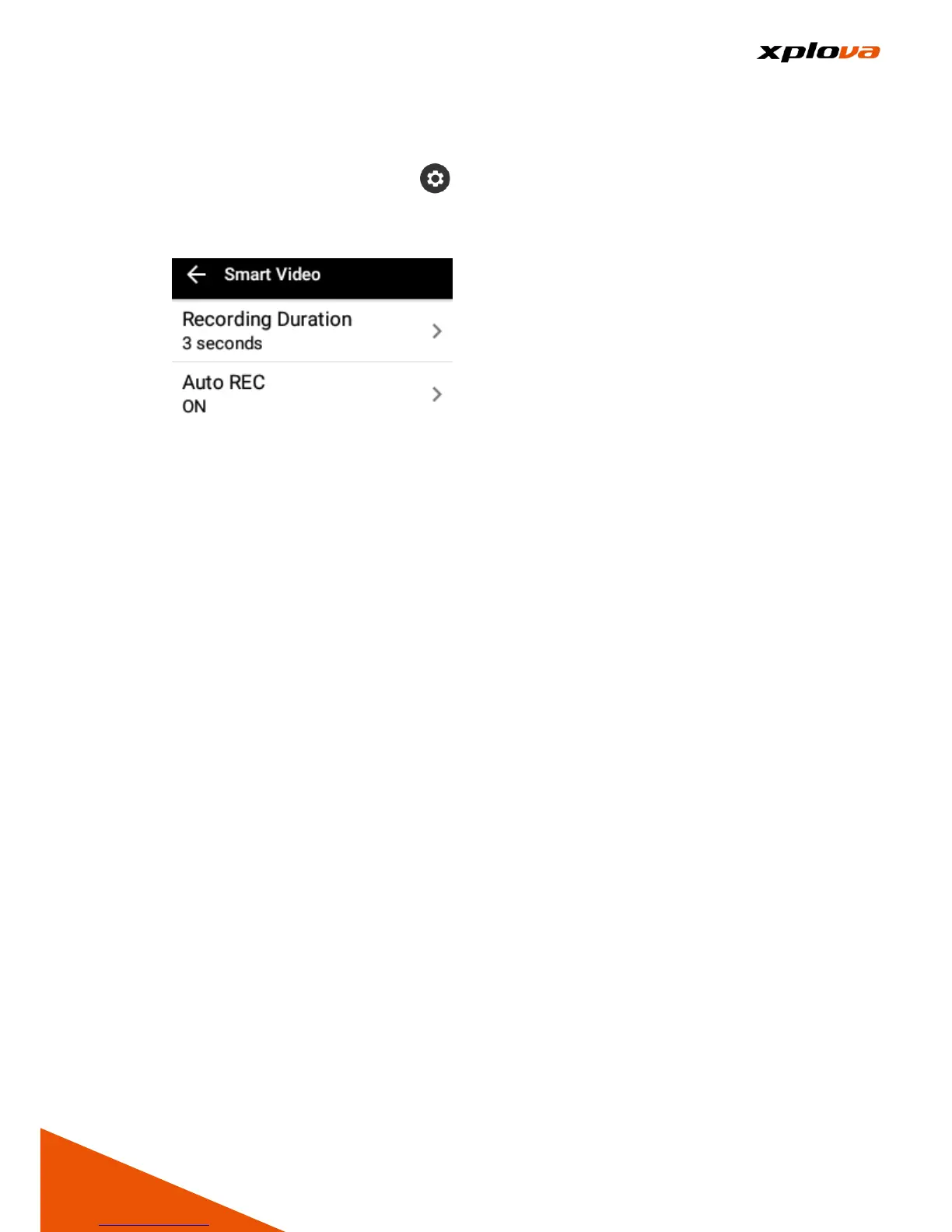
Enter Quick Access Menu. Tap and select [Device Settings] > [Smart
Video] to configure the video recording settings. Using the Auto Video feature,
it helps you capture the most exciting moments.
Video Length
___________________________________________________________________________________________________________________________
In the Smart Video page, select [Recording Duration] to specify the video
recording duration. Available options: 3/6/9 seconds.
Auto Video
___________________________________________________________________________________________________________________________
Please refer to [Smart Video] Section.
Personalized Information Page
___________________________________________________________________________________________________________________________
Besides the first page of Device Mode is set as the Instrument Panel Display
type, you can also customize other 2~5 pages of personalized information to
be displayed on the screen based on your different training needs.



 To Next Page