Delete Activity
__________________________________________________________________________________________________________________________
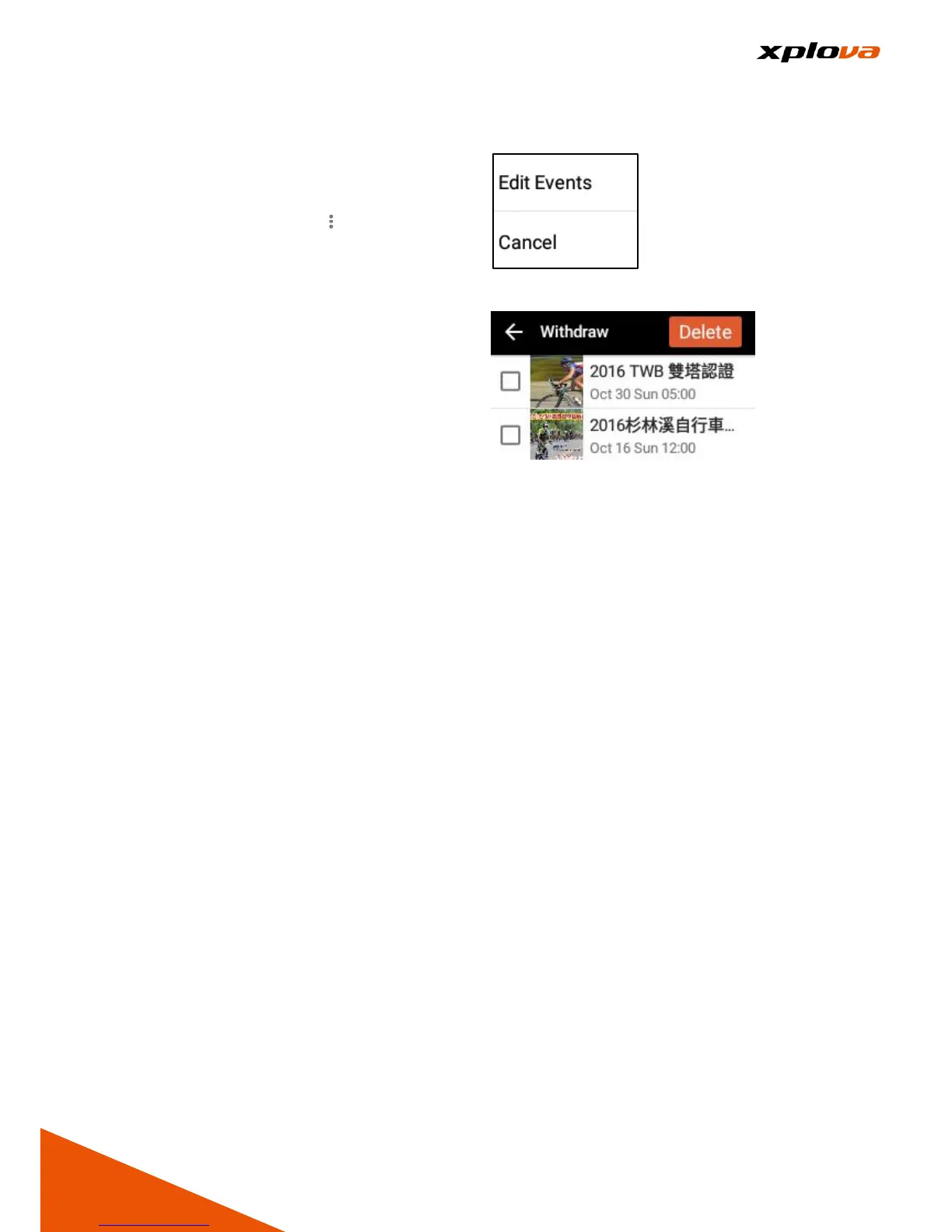
In Joined Events page, you may refer
to the Section above to withdraw
from an event or several events at
the same time. Tap [ ] > [Edit Events].
All events you have participated will
be displayed. For the event List that
has not yet held, you can select
several events to delete. Then tap
[Delete] to delete the selected events.
The system will help you withdraw
from those events according to its
order.



 To Next Page