Video Sharing
___________________________________________________________________________________________________________________________
After you completed your ride and create a live video, you can use the Video
Sharing function to upload the video to Facebook to let more friends to watch
your live broadcast video. Steps are as follows:
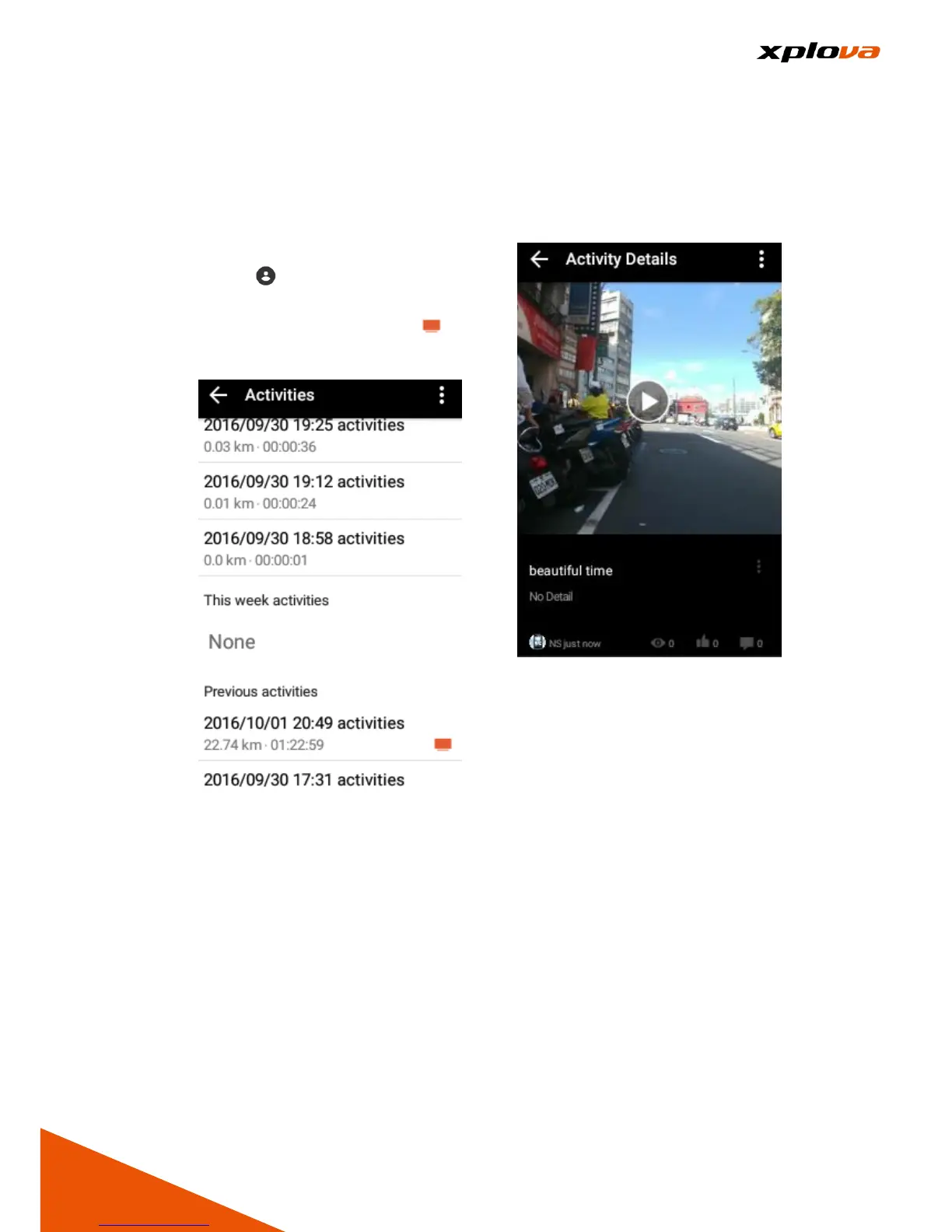
1. Enter Quick Access Menu and
select > [Activities] > select
any record that you want to share.
The live video will have the
icon next to it.
2. Swipe to the bottom screen to
view the live video that has been
created previously.
3. Tap the video name. You can
view the number of people who
click "Like" or "Viewed" and left a
comment. You can also leave a
comment as well.



 To Next Page