Delete Information Page
___________________________________________________________________________________________________________________________
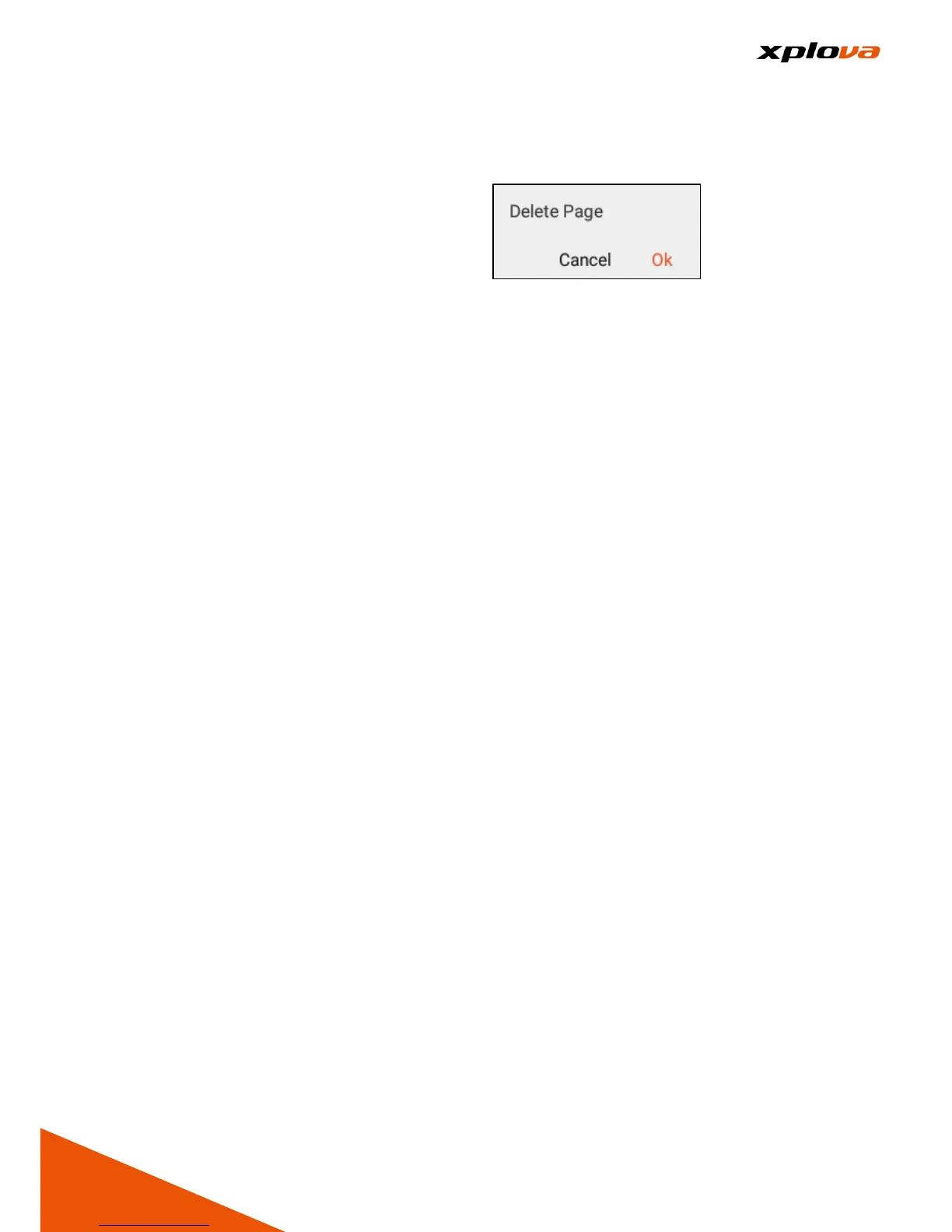
Switch to the page you wish to delete.
Enter Quick Access Menu. Select
[Device Settings] to enter the Device
Settings page. Then tap [Delete a
page]. A confirmation message
appears; select [Ok] to confirm
deletion.
Change Layout
___________________________________________________________________________________________________________________________
Switch to the page you wish to change layout. Enter Quick Access Menu.
Select [Device Settings] to enter the Device Settings page. Then tap [Select
your layout]. Select the desired layout and assign the data you want to view on
each field. Once done, tap [X] to exit the current page...
* Note: Please refer to the Appendix Form for the available data of the
customized fields.



 To Next Page