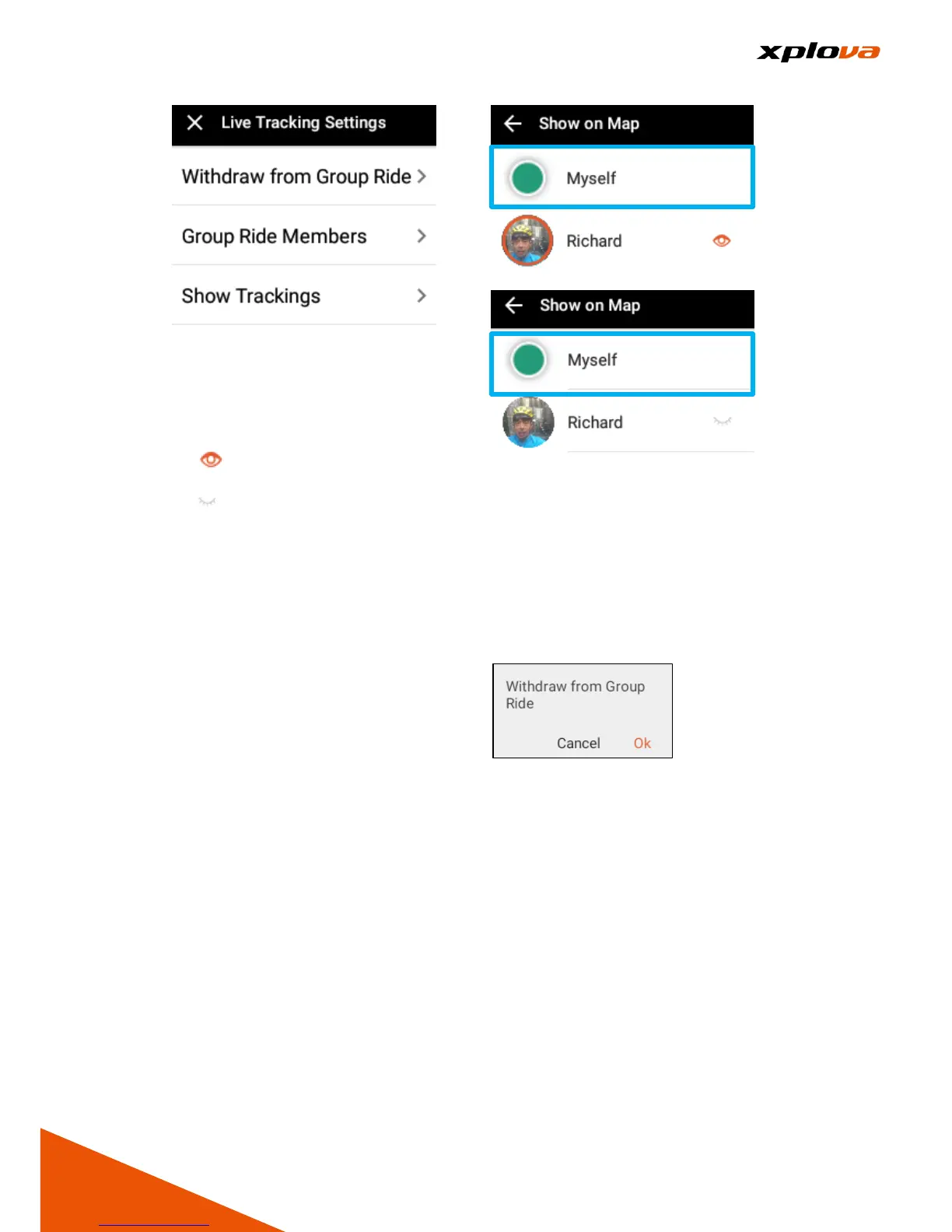
Tap [Group Members] to enter the
Member list. To enable/disable the
tracking function, tap the icon next to
the member.
- Indicates his/her current
location will appear on the map.
- indicates his/her current
location will not visible on the
map
* Note: You can only track up to 5
members.
Withdraw Group Ride
___________________________________________________________________________________________________________________________
To withdraw from the Group Ride,
swipe down the status bar and select
[Tracking Settings] > [Withdraw from
Group Ride]. A confirmation
message appears, and then taps [Ok]
to leave the group.



 To Next Page