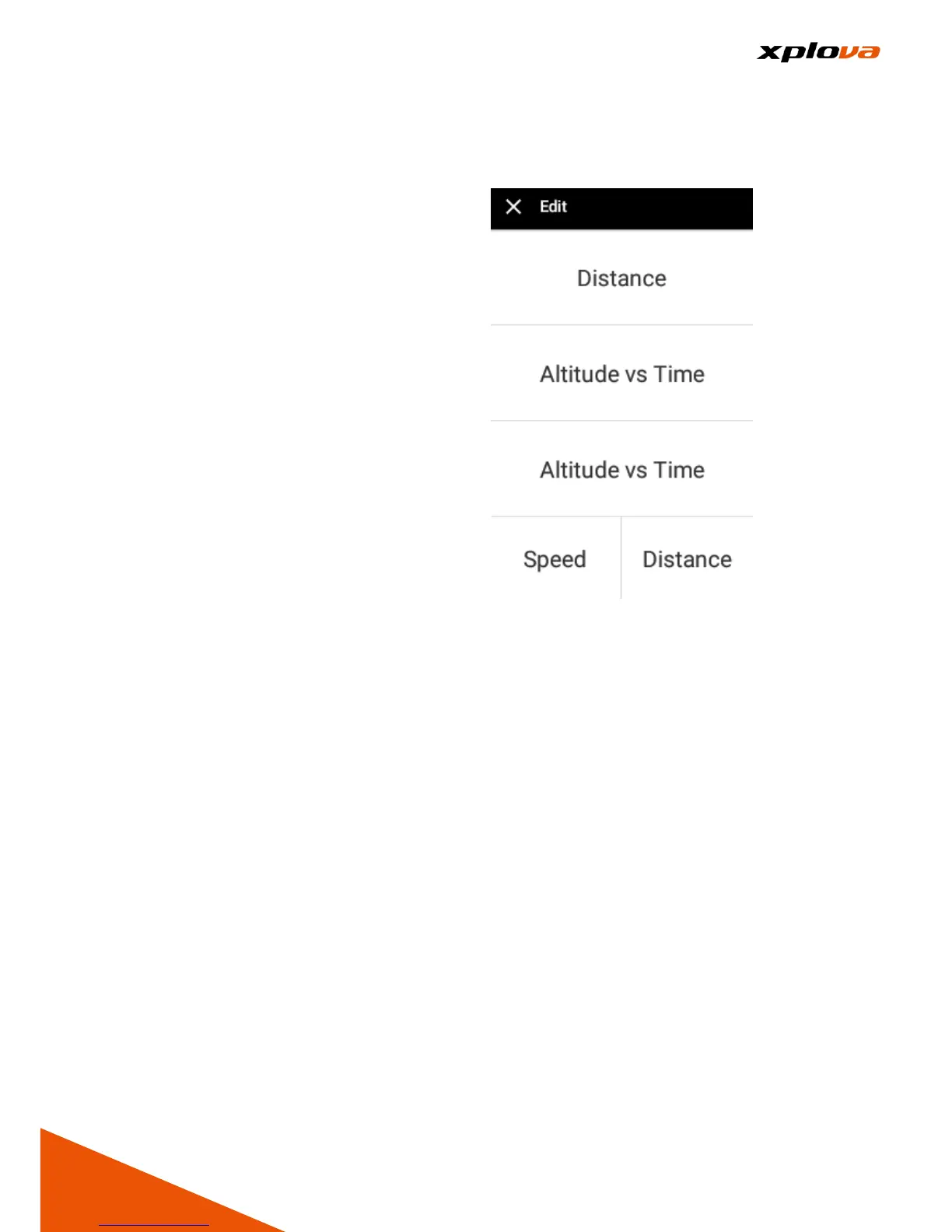
Edit Field
___________________________________________________________________________________________________________________________
In Training mode, only the two
bottom fields can be customized to
display your favorite information.
Enter Quick Access Menu and select
[Training Settings] > [Edit]. Select the
field you want to change, and then
select the desired data you want to
display on the respective field.
* Note: Please refer to the appendix
for the customized field information.



 To Next Page