Add Page
___________________________________________________________________________________________________________________________
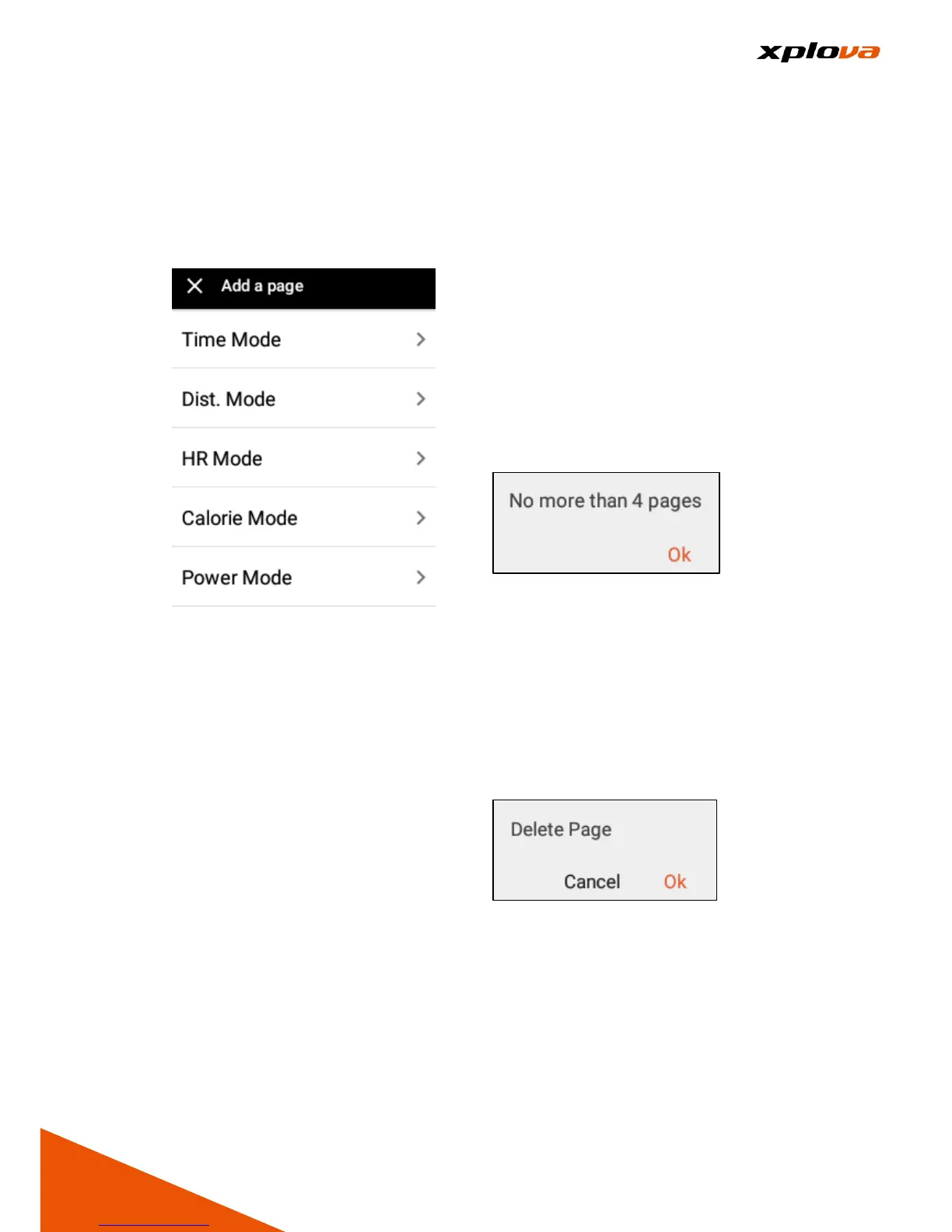
If you want to add a new training
page, please follow the method
below to add Training page:
1. Enter Quick Access Menu and
tap [Training Settings]. Then
select [Add a page].
2. Select the mode of page to be
added.
3. Edit the field to customize the
information you want to display
on the screen.
4. After adjustment is completed,
tap [X] to exit.
*Note: The maximum total pages of
Training mode is 4. If a new page is
required after it has already reached
4 pages, please delete one of the
pages before adding a new page.
Delete Page
___________________________________________________________________________________________________________________________
1. Enter Quick Access Menu and
tap [Training Settings]. Then
select [Delete a page].
2. A confirmation message appears;
tap [Ok] to confirm deletion.



 To Next Page