Product Guide VESDA ECO Detector by Xtralis
36 Configuration 17898_05
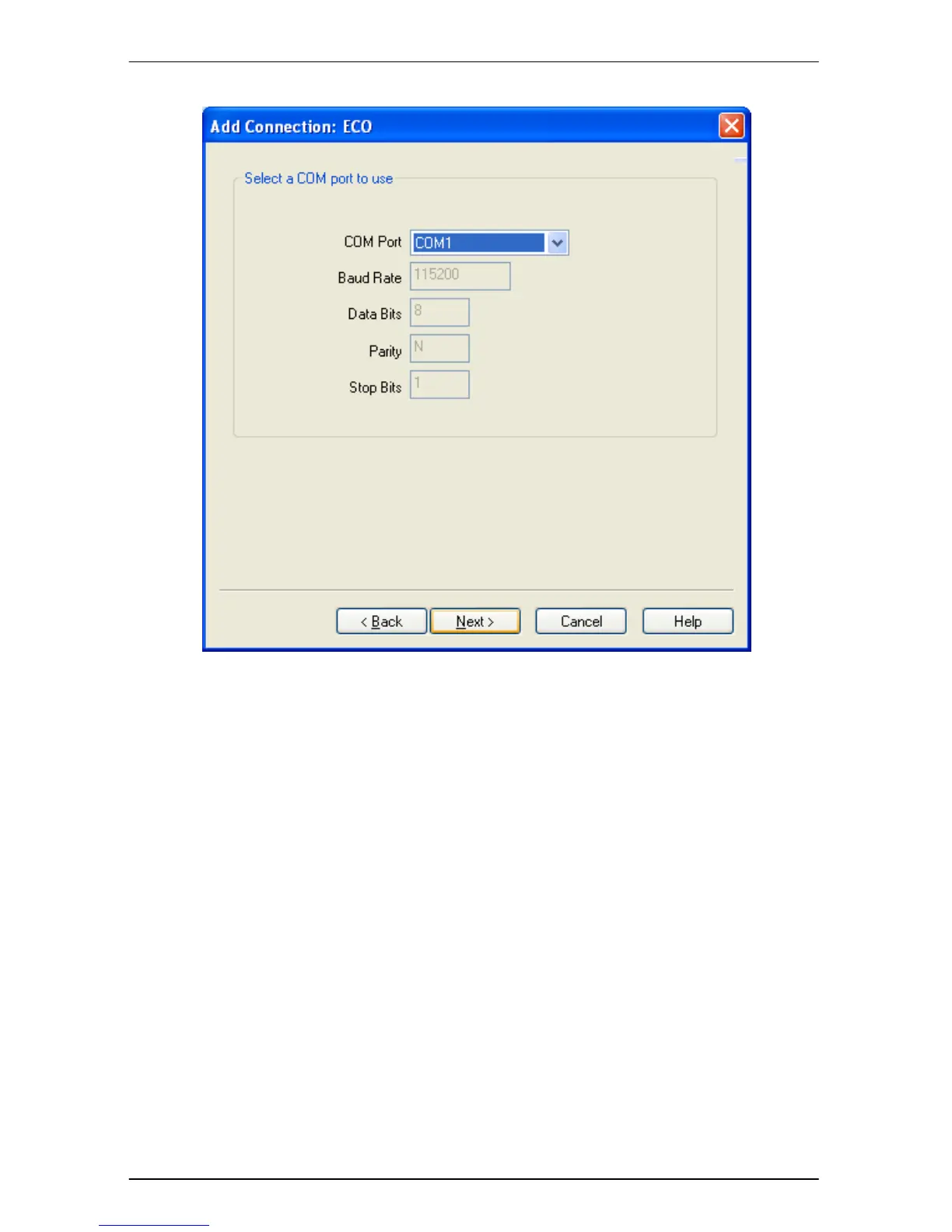
Figure 18 Select Comm. Port
Select the serial communications port you wish to use from the ‘COM Port’ drop
down list. In order to determine the COM port number allocated to a USB
connected ECO please refer to Appendix B – Software Installation
Click the ‘Next’ button once more and the connection Wizard ‘Save Connection’
page is displayed as shown in Figure 19


 To Next Page