116
Figure 7-52
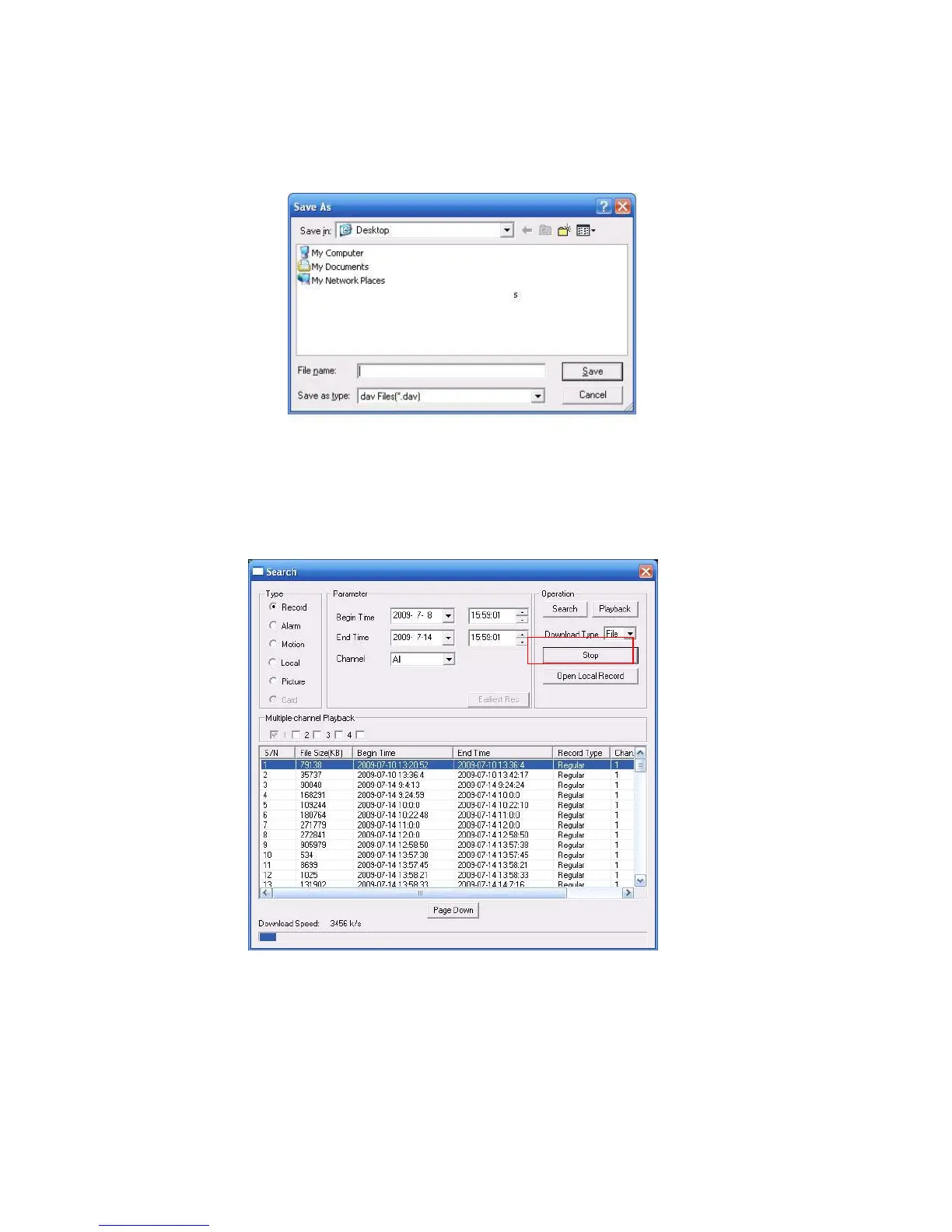
Select the file(s) you want to download and then click download button, system pops up a dialogue
box shown as in
X480H480H480H422HFigure 7-53X , then you can specify file name and path to download the file(s) to your
local pc.
Figure 7-53
Now you can see system begins download and the download button becomes stop button. You can
click it to terminate current operation.
At the bottom of the interface, there is a process bar for your reference. See Figure 7-54.
Figure 7-54
When download completed, you can see a dialogue box shown as in Figure 7-54. Please click OK to
exit.



 To Next Page