39
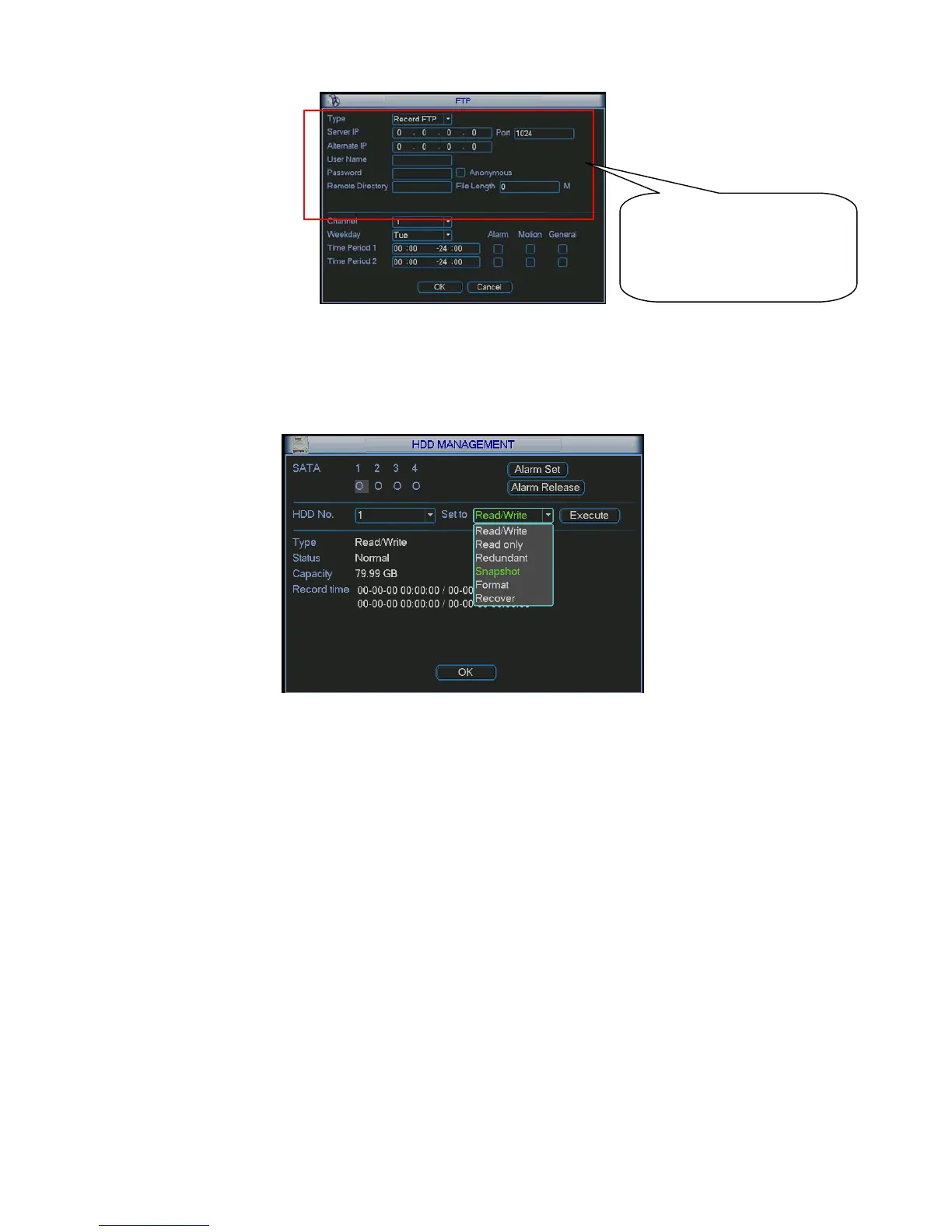
Figure 4-16
4.4.4 Snapshot Disk (For special series only)
Set one disk as snapshot (Main menu->Advanced->HDD management) and then click execute
button. See Figure 4-17. System needs to reboot to get current setup activated.
Figure 4-17
All scheduled snapshot files or activated snapshot files will be memorized in the snapshot disk.
You can search the corresponding images via Web. See Figure 4-18.
Please input the
corresponding information
here, if you just upload the
image FTP.



 To Next Page