90
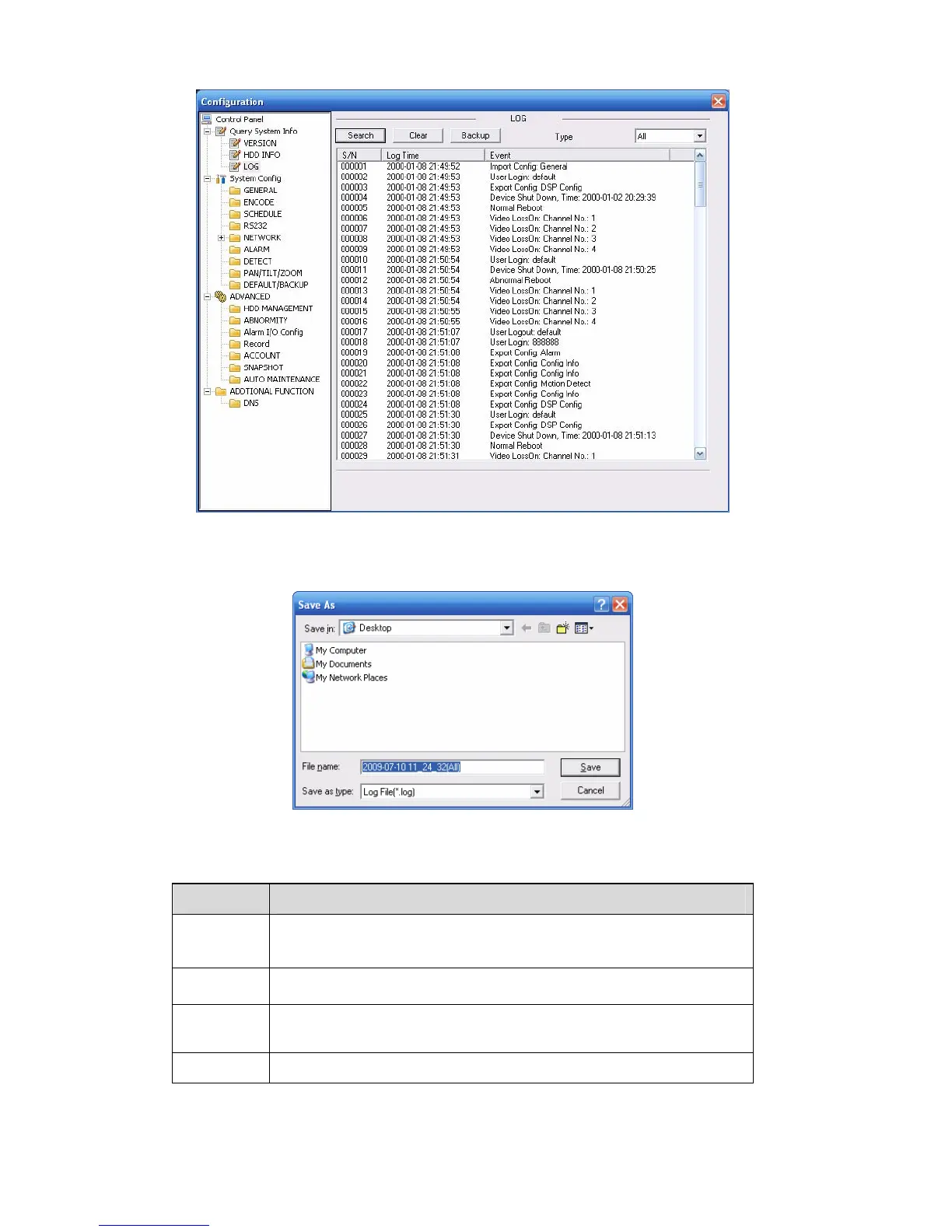
Figure 7-21
Click backup button, the interface is shown as in X452H452H452H394HFigure 7-22X.
Figure 7-22
Please refer to the following sheet for log parameter information.
Parameter Function
Type
Log types include: system operation, configuration operation, data
management, alarm event, record operation, user management, log
clear and file operation.
Search
You can select log type from the drop down list and then click search
button to view the list.
Clear You can click this button to delete all displayed log files. Please note
system does not support clear by type.
Backup
You can click this button to backup log files to current PC.
7.3.2 System Configuration
Please click save button to save your current setup.



 To Next Page