71
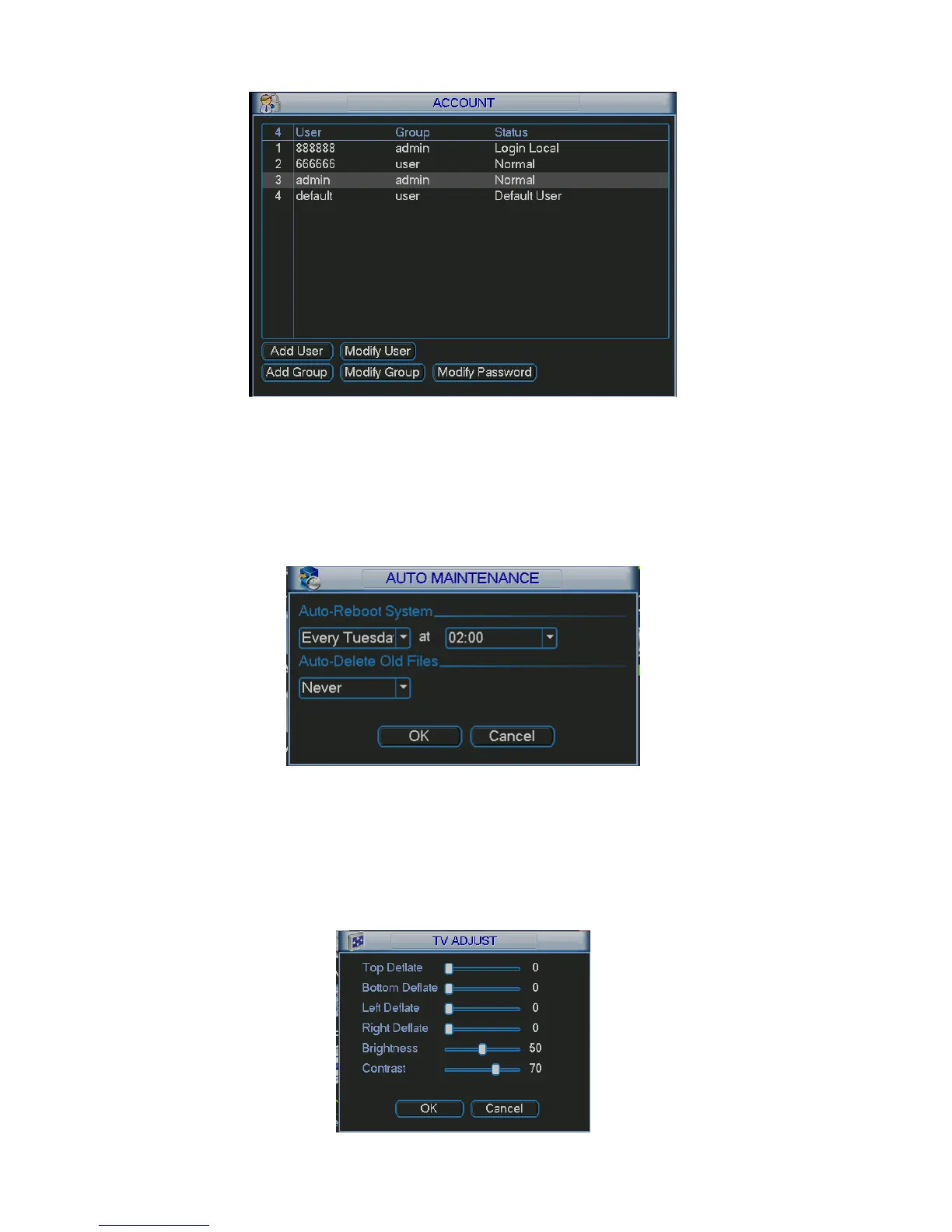
Figure 5-32
5.5.6 Auto Maintain
Here you can set auto-reboot time and auto-delete old files setup. See X388H388H388HFigure 5-33.
You can select proper setup from dropdown list.
After all the setups please click save button, system goes back to the previous menu.
Figure 5-33
5.5.7 TV Adjust
Here is for you to adjust TV output setup. See X389H389H389HFigure 5-34.
Please drag slide bar to adjust each item.
After all the setups please click OK button, system goes back to the previous menu.



 To Next Page