88
Figure 7-16
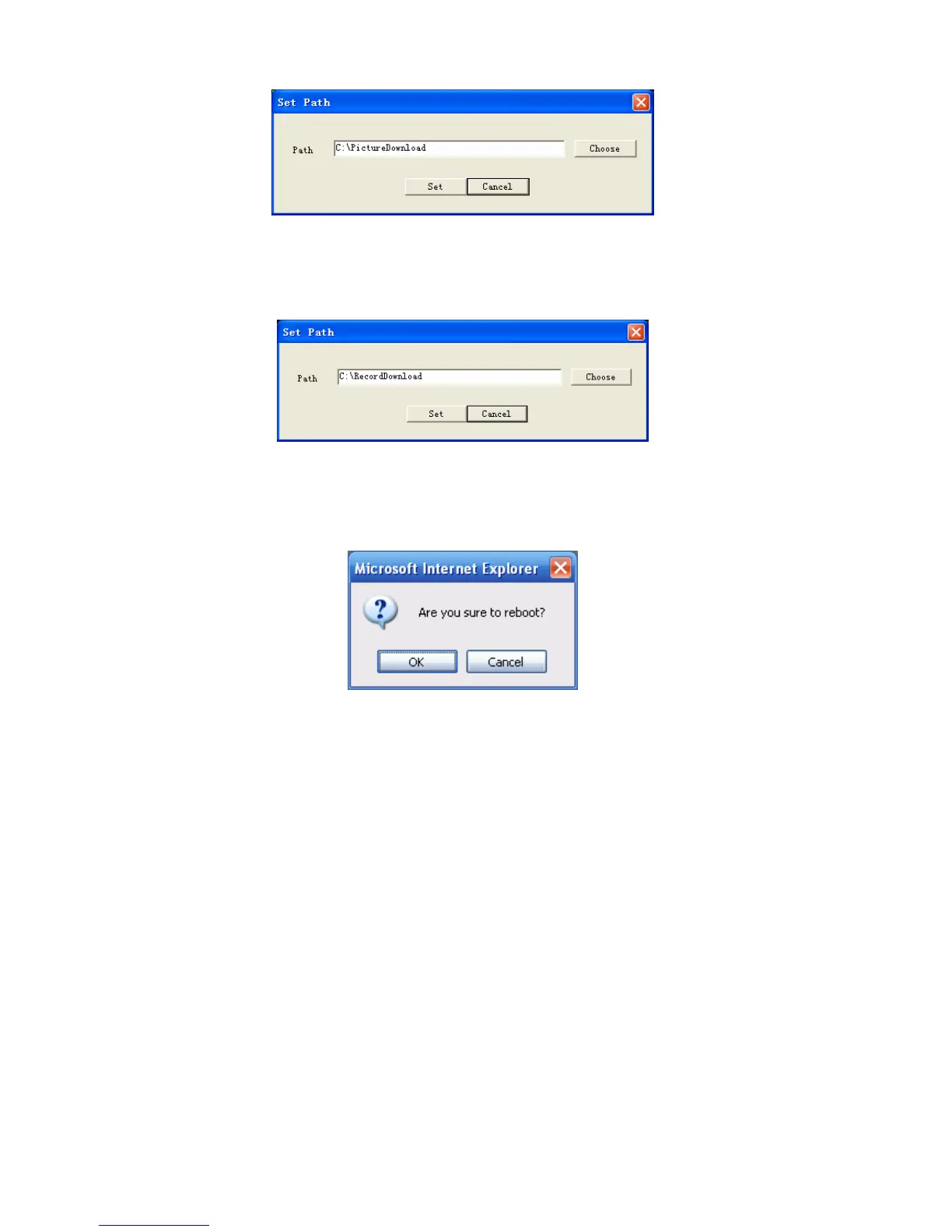
Click record path button, you can see an interface is shown as in X448H448H448H390HFigure 7-17X.
Please click choose button to modify path.
Figure 7-17
Click reboot button, system pops up the following dialogue box. See Figure 7-18,
Please click OK to reboot.
Figure 7-18
If there is local use logged in the system menu, or the Web logged in user has no right to reboot the
device system pops up a dialogue box to alert you.
7.3 Configure
7.3.1 System Information
7.3.1.1 Version Information
Here you can view device hardware feature and software version information. See X449H449H449H391HFigure 7-19X.



 To Next Page